
Must-Have Tools for Bootstrapped Startups: The Lean Stack That Gets Results
Running a bootstrapped startup means every dollar counts. You need tools that deliver real value without draining your bank account or requiring a full IT team to manage. The right software stack can help you work faster, communicate better, and stay organized while keeping costs low. This list focuses on practical tools that solve real problems for lean teams. Whether you’re a solo founder or managing a small crew, these options will help you build momentum without breaking your budget.
- Legiit
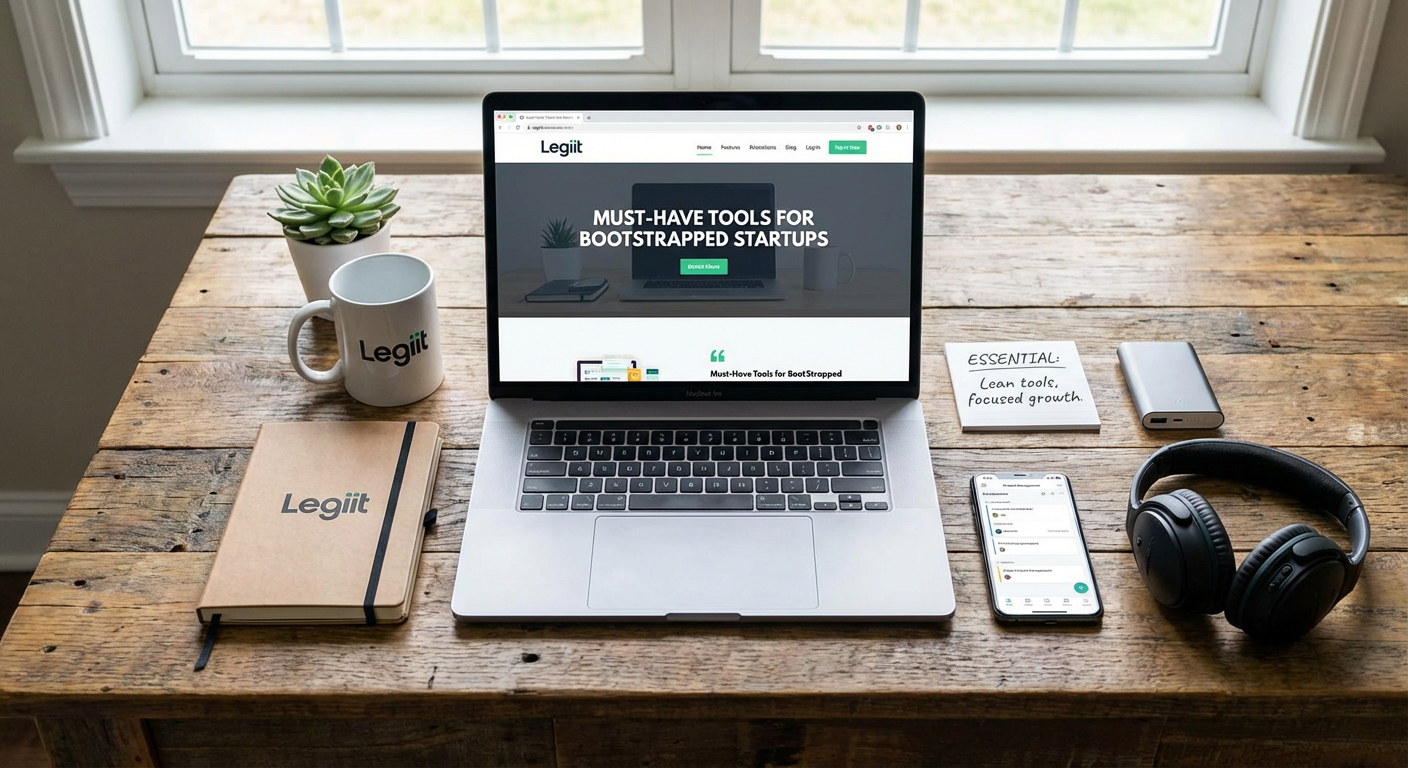
Finding reliable freelancers can feel like rolling the dice, especially when you’re working with tight margins. Legiit connects bootstrapped founders with vetted service providers who specialize in everything from logo design to content writing to technical development. The platform focuses on affordability and transparency, with clear pricing and detailed provider profiles that help you make informed decisions quickly.
What sets this marketplace apart is its focus on services that startups actually need. You can find specialists in SEO, social media management, video editing, and dozens of other areas without paying agency rates. The review system helps you identify quality providers, and many offer packages specifically designed for businesses on a budget. When you need expert help but can’t afford a full-time hire, this kind of marketplace becomes an essential part of your toolkit.
- Notion

Documentation, project management, wikis, databases, and note-taking all live comfortably in Notion. This all-in-one workspace replaces multiple tools, which matters when you’re watching every subscription fee. You can build a company knowledge base, track product roadmaps, manage client information, and maintain meeting notes without switching between apps.
The learning curve exists but pays off quickly. Templates help you get started, and the flexibility means you can adapt the system as your needs change. Many bootstrapped teams use Notion as their single source of truth, reducing confusion and keeping everyone aligned. The free tier is generous enough for small teams, and even the paid plans remain affordable compared to buying separate tools for each function.
- Loom
Sometimes typing out instructions or feedback takes forever, and hopping on a call disrupts everyone’s flow. Loom lets you record quick video messages that combine your screen, camera, and voice. You can explain a bug, walk through a design, give feedback on a draft, or train a new team member in a fraction of the time it would take to write it all out.
The async nature respects everyone’s schedule. Your recipient can watch when convenient and replay sections they need to review. This tool becomes especially valuable when working with remote freelancers or contractors who operate in different time zones. The free plan includes enough recording time for most bootstrapped teams, and the video library becomes a reusable training resource over time.
- Calendly
The back-and-forth of scheduling calls wastes time you don’t have. Calendly eliminates the email tennis by letting people book time directly on your calendar. You set your availability, share a link, and prospects or partners pick a slot that works for them. Confirmation emails and reminders go out automatically, reducing no-shows.
For bootstrapped founders juggling sales calls, customer support, investor meetings, and partner conversations, this automation saves hours each week. The tool integrates with Google Calendar, Outlook, and most video conferencing platforms. You can set different meeting types with varying durations, buffer times between calls, and even routing rules if multiple team members take meetings. The free version handles basic scheduling needs, while paid tiers add useful features like payment collection and workflow automation.
- Zapier
Manual data entry between apps drains time and introduces errors. Zapier connects different tools in your stack so information flows automatically. When someone fills out a form, the data can instantly appear in your spreadsheet, trigger a Slack notification, and add a task to your project board without anyone lifting a finger.
Thousands of app integrations mean you can automate almost anything. Common startup workflows include adding new customers to email lists, saving email attachments to cloud storage, posting social media updates across platforms, and creating support tickets from form submissions. The interface requires no coding knowledge. You simply pick a trigger, choose an action, and map the fields. The free tier includes enough tasks for light automation, and paid plans scale as your needs grow. This tool essentially gives your small team superpowers by eliminating repetitive work.
- Stripe
Getting paid shouldn’t require a development degree or a massive upfront investment. Stripe handles payment processing for everything from one-time purchases to subscription billing. The setup takes minutes, not weeks, and you can start accepting credit cards, digital wallets, and bank transfers without building complex infrastructure.
The documentation is clear, the APIs are well-designed, and pre-built checkout pages mean you can start collecting revenue even if you’re not technical. Transaction fees are straightforward with no monthly minimums or hidden charges. As you grow, Stripe scales with you, offering fraud protection, invoicing, revenue recognition, and dozens of other features. For bootstrapped startups that need to start generating income quickly, this payment processor removes a major barrier to getting your first customers through the door.
- Canva
Professional design work costs serious money, but you still need decent graphics for social media, presentations, proposals, and marketing materials. Canva gives non-designers the ability to create respectable visuals using templates, stock photos, and drag-and-drop editing. You won’t win design awards, but you’ll produce content that doesn’t embarrass your brand.
The template library covers everything from Instagram posts to pitch decks to business cards. You can maintain brand consistency by saving your colors, fonts, and logos for reuse. The collaboration features let team members comment and edit together in real time. While serious design projects still deserve a skilled designer, Canva handles the daily visual needs that would otherwise pile up or get neglected. The free version provides plenty of functionality, and the pro tier adds advanced features like background removal and brand kits.
- Google Workspace
Email, documents, spreadsheets, presentations, and cloud storage in one package. Google Workspace (formerly G Suite) provides the communication and collaboration foundation that most businesses need. The familiar interface means minimal training, and the real-time collaboration features let multiple people work on the same document simultaneously.
Using a custom domain for email ([email protected] instead of a free Gmail address) builds credibility with customers and partners. Google Drive provides ample storage for files, eliminating the need for separate backup solutions. The mobile apps keep you productive away from your desk. Pricing per user remains reasonable, especially compared to buying separate tools for each function. The reliability and uptime of Google’s infrastructure mean you’re not worrying about email servers or lost files. For bootstrapped startups, this bundle delivers essential business tools without complexity or excessive cost.
- Typeform
Boring forms get abandoned. Typeform creates surveys, contact forms, quizzes, and applications that people actually enjoy filling out. The one-question-at-a-time format feels conversational rather than overwhelming, leading to higher completion rates and better data quality.
Collecting customer feedback, qualifying leads, gathering testimonials, or running user research becomes easier when your forms don’t feel like homework. The conditional logic lets you show different questions based on previous answers, creating a personalized experience. Responses flow into spreadsheets or connect to other tools through integrations. The design looks polished on any device without requiring custom development. While basic forms can live in Google Forms, Typeform makes sense when response rates matter and you want to make a good impression. The free tier allows limited responses, and paid plans remove restrictions while adding advanced features like payment collection and custom branding.
Building a bootstrapped startup means making smart choices about where to spend your limited resources. The tools on this list share a common trait: they deliver outsized value relative to their cost. Each one solves real problems that would otherwise slow you down or require expensive alternatives. Start with the basics that address your immediate pain points, then expand your stack as your needs and budget grow. The goal isn’t to use every tool available, but to find the lean combination that lets you move fast and focus on what actually grows your business. With the right tools in place, you can compete effectively without the bloated budgets that larger companies take for granted.
