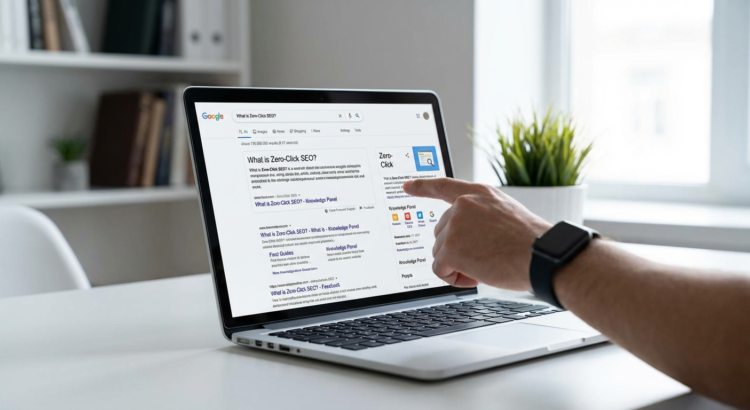
12 Actionable Zero-Click SEO Tactics to Boost Brand Visibility Without the Click
Search results are changing. More people than ever are finding what they need directly on Google without clicking through to a website. This might sound like bad news, but smart brands are learning to work with this shift, not against it. Zero-click SEO is about making sure your brand shows up in featured snippets, knowledge panels, and other prime real estate on search pages, even if users never visit your site. This list is for marketers, business owners, and content creators who want practical, step-by-step tactics they can start using today to get their brand noticed in these valuable spaces.
- Use Legiit to Outsource Your Zero-Click Content Strategy

Building a zero-click SEO strategy takes time, research, and content creation skills that many teams simply don’t have in-house. Legiit connects you with experienced freelancers who specialize in SEO content, snippet optimization, and structured data implementation. You can find writers who know how to format content for featured snippets, technical experts who can add schema markup to your site, and strategists who can audit your current visibility in zero-click results.
The platform makes it simple to review portfolios, compare pricing, and hire the right person for your specific needs. Instead of spending weeks learning the technical details yourself, you can delegate these tasks to professionals who already know what works. This lets you focus on running your business while still getting the benefits of a strong zero-click presence.
- Format Your Content to Win Featured Snippets
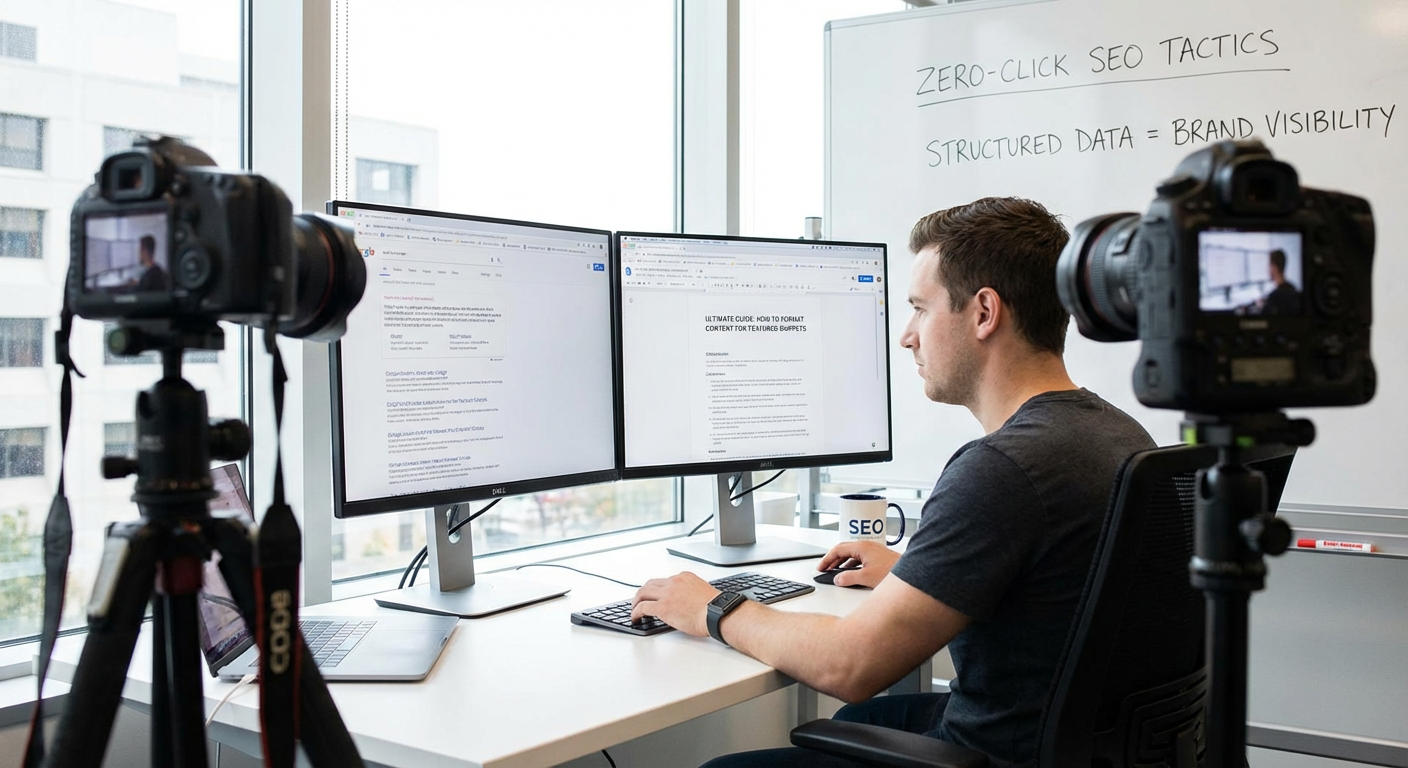
Featured snippets are the boxes that appear at the top of search results, and they follow predictable patterns. Start by identifying questions your audience asks, then structure your content to answer them clearly. Use a short paragraph of 40 to 60 words that directly answers the question, placed right after an H2 heading that matches the search query.
For list-based snippets, use numbered or bulleted lists with concise points. For definition snippets, put your definition in the first sentence after the heading. For table snippets, use actual HTML tables with clear headers. Google pulls from content that’s already ranking on page one, so focus on pages that are close to the top but not yet in the snippet position. Make your answer more clear and complete than what’s currently showing.
- Add Schema Markup to Your Most Important Pages
Schema markup is code that tells search engines exactly what your content means. It’s easier to implement than most people think, and it dramatically increases your chances of appearing in rich results. Start with the basics like Organization schema for your homepage, Article schema for blog posts, and FAQ schema for common questions.
You don’t need to be a developer to add schema. Tools like Google’s Structured Data Markup Helper walk you through the process step by step. Copy the generated code and paste it into your page’s HTML. For WordPress users, plugins like Schema Pro or Rank Math can add markup automatically. After implementation, test your pages using Google’s Rich Results Test tool to make sure everything is working correctly.
- Build Out Your Google Business Profile Completely
If you have any kind of local presence, your Google Business Profile is one of your most powerful zero-click assets. Most businesses fill out the basics and stop, but the real visibility comes from completing every section. Add your hours, services, products, attributes, and a detailed description that includes relevant keywords naturally.
Upload high-quality photos regularly, at least once a week if possible. Answer every question that gets posted in the Q&A section, and seed it with your own common questions if no one has asked yet. Post updates, offers, and news using the Posts feature. Encourage customers to leave reviews and respond to every single one, both positive and negative. The more complete and active your profile, the more likely it is to show up in local packs and knowledge panels.
- Target Question-Based Keywords in Your Headers
People ask questions when they search, and search engines love matching those questions to clear answers. Go through your existing content and add H2 or H3 headers that are formatted as actual questions your audience would type. Instead of a header like “Benefits of Remote Work,” use “What Are the Benefits of Remote Work?” or “Why Do Companies Allow Remote Work?”
Use tools like AnswerThePublic, AlsoAsked, or even Google’s “People Also Ask” boxes to find the exact questions people are searching for in your niche. Create a list of 20 to 30 high-value questions, then systematically work through your site adding them as headers with clear, direct answers underneath. This simple formatting change can dramatically increase your chances of appearing in voice search results and featured snippets.
- Optimize for the “People Also Ask” Boxes
The “People Also Ask” section expands as users click on questions, creating multiple opportunities for your content to appear. To get featured here, identify the PAA questions that show up for your target keywords. Open each question and note the exact phrasing and the type of answer that appears.
Create content that addresses multiple related PAA questions on a single page. Format each answer with the exact question as a header, followed by a concise response. Keep answers between 40 and 50 words for the best chance of being selected. Group related questions together so that when someone is exploring a topic, your brand appears multiple times as they click through the expanding questions. This repetition builds familiarity and trust, even without a click to your site.
- Create Comparison Tables for Product Searches
When people search for product comparisons, Google often displays table snippets directly in the results. Build simple HTML tables that compare features, prices, specifications, or pros and cons. Keep your tables clean with 3 to 5 columns and 5 to 10 rows for the best display results.
Use clear, descriptive headers for each column. Put the most important comparison points in the first few rows since that’s what will show in the snippet preview. Include your brand or product in the comparison alongside competitors, being honest and fair in your assessment. Even if users don’t click through, seeing your brand positioned alongside well-known competitors builds credibility and awareness.
- Claim and Optimize Your Knowledge Panel
Knowledge panels appear for brands, people, and organizations, displaying key information in a prominent box on the right side of search results. If you don’t have one yet, the first step is establishing your entity clearly on the web. Create or claim your Wikipedia page if you’re notable enough, or focus on getting listed in authoritative directories and databases like Crunchbase, LinkedIn, or industry-specific resources.
Once you have a knowledge panel, claim it through Google Search Console. You can then suggest edits to incorrect information, though Google makes the final decision on what to display. Make sure your official website, social media profiles, and other properties are clearly linked and consistent across the web. The more authoritative sources that mention your brand with consistent information, the more likely Google is to create and maintain your knowledge panel.
- Write Step-by-Step How-To Content
How-to searches often trigger special result formats that display steps directly in search results. Structure your instructional content with clear, numbered steps that can stand alone. Start each step with an action verb and keep the instruction concise.
Format your steps using an ordered list (numbered list in HTML) and place them prominently on the page. Add HowTo schema markup to explicitly tell Google this is instructional content. Include an estimated time to complete and any materials needed at the beginning. Take or create images for each step if possible, as visual how-to results get even more prominent placement. This format works particularly well for tutorials, recipes, DIY projects, and troubleshooting guides.
- Build FAQ Sections on Key Pages
FAQ sections serve double duty by helping visitors and increasing your chances of appearing in zero-click results. Add a dedicated FAQ section to your homepage, product pages, service pages, and important blog posts. Write 5 to 10 questions that your customers actually ask, using their language, not corporate jargon.
Keep answers brief but complete, typically 2 to 4 sentences. Use FAQ schema markup to mark up these sections properly. You can add this manually or through plugins if you’re on WordPress. The questions should target long-tail keywords and conversational phrases that people might use in voice search. Update your FAQ sections regularly as new questions come up in customer service interactions, sales calls, or social media comments.
- Optimize Your Brand Name for Voice Search
Voice search often returns zero-click answers, and you want your brand mentioned when relevant questions are asked. Think about how people verbally ask questions related to your industry. They use more conversational language and complete sentences compared to typed searches.
Create content that uses natural, conversational phrasing. Include your brand name in the context of answering common industry questions. For example, instead of just “best project management features,” write content around “what makes [Your Brand] good for project management” or “how [Your Brand] helps teams collaborate better.” Use local landmarks and neighborhood names if you have a physical location, since voice searches are often local. Read your content out loud to make sure it sounds natural when spoken.
- Monitor Your Zero-Click Performance
You can’t improve what you don’t measure, and tracking zero-click visibility requires different tools than traditional SEO. Use Google Search Console to monitor your impressions and position data. A high impression count with a low click-through rate isn’t necessarily bad anymore, it might mean you’re showing up in featured snippets where users get their answer without clicking.
Set up tracking for specific featured snippet targets using rank tracking tools that show snippet ownership. Take regular screenshots of your knowledge panel, local pack presence, and other zero-click features so you can see changes over time. Create a simple spreadsheet to track which questions you’re targeting and which ones you’ve won snippet positions for. Review this data monthly and adjust your content strategy based on what’s working. Look for patterns in the types of content that earn zero-click features in your niche.
Zero-click SEO isn’t about giving up on website traffic. It’s about meeting people where they are and making sure your brand is visible in the spaces that matter most. The tactics in this list work because they focus on providing clear, helpful information in formats that search engines can easily understand and display. Start with one or two of these approaches, implement them thoroughly, and measure your results. As you see your brand appearing in featured snippets, knowledge panels, and other prominent positions, you’ll build awareness and authority that eventually drives clicks, conversions, and customer loyalty. The key is to stay consistent and keep optimizing based on what you learn.
