17 Budget-Friendly Productivity Apps That Will Change Your Freelance Life
Freelancing comes with freedom, but it also demands smart money management. You need tools to stay organized, meet deadlines, and communicate with clients, but you don’t need to drain your bank account to get them. This list focuses on productivity apps that deliver real value without the premium price tag. Whether you’re just starting out or looking to cut costs while maintaining quality, these apps will help you work smarter and keep more money in your pocket.
- Legiit
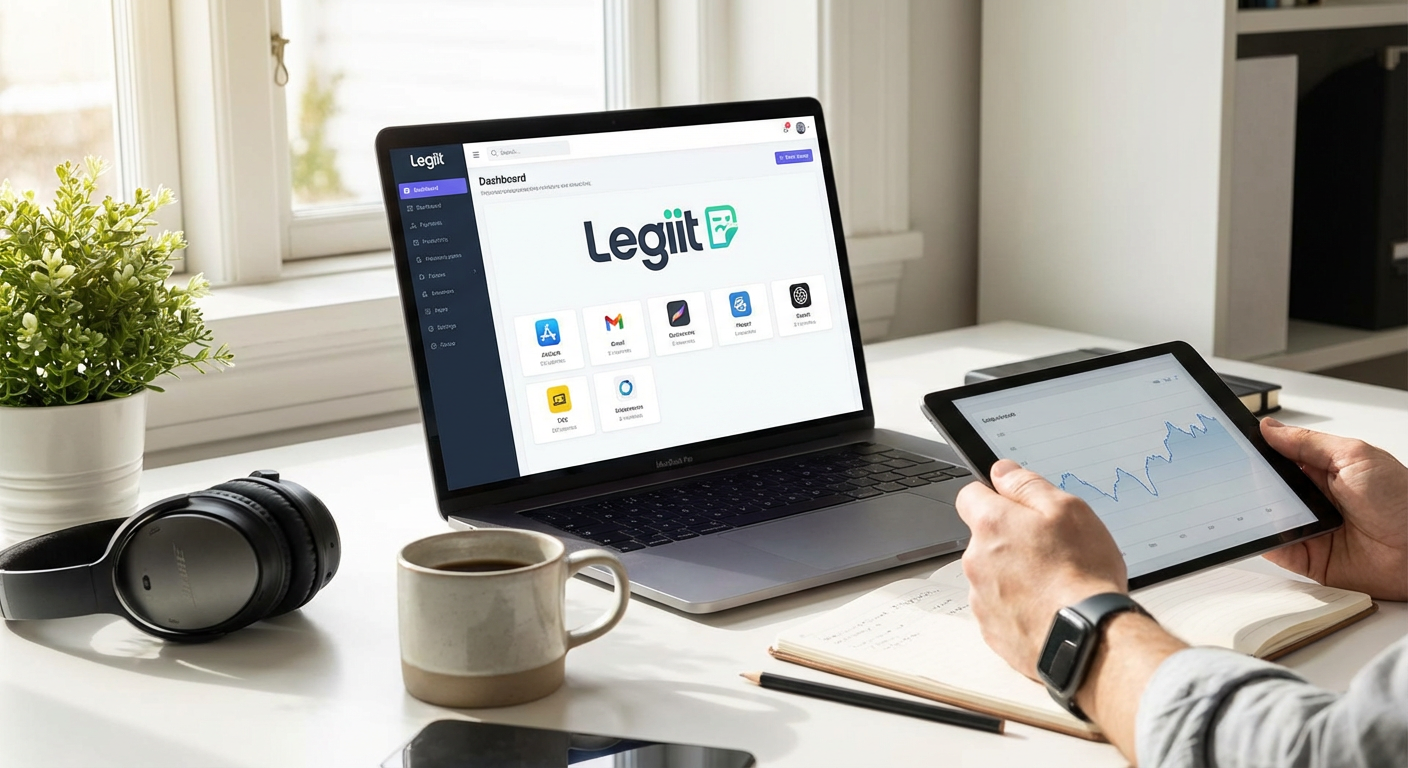
When you need professional services without the premium agency prices, Legiit connects you with affordable freelancers across dozens of categories. The platform specializes in digital marketing, content creation, web development, and more, all at rates that won’t wreck your budget. You can find quality help for tasks that eat up your time, allowing you to focus on billable work instead. The transparent pricing and variety of service packages make it easy to get exactly what you need without overpaying.
- Notion
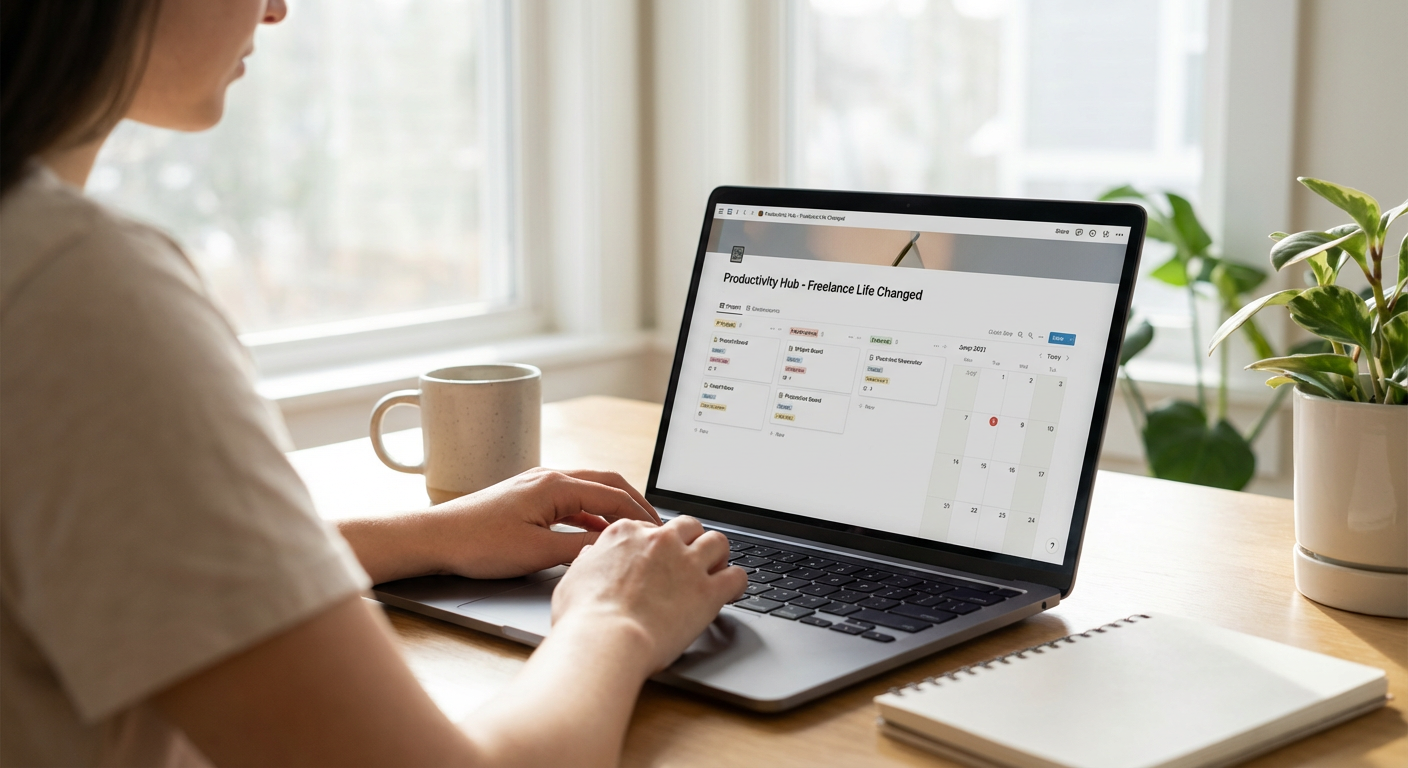
Notion gives you a workspace that replaces multiple apps for notes, databases, task lists, and wikis. The free plan is surprisingly generous, offering unlimited pages and blocks for personal use. You can build custom templates for client projects, track invoices, manage your content calendar, and store research all in one place. The learning curve exists, but once you understand the basics, you’ll wonder how you managed without it.
- Toggl Track
Time tracking is essential for freelancers who bill by the hour, and Toggl Track makes it painless. The free version allows you to track unlimited time entries, create projects, and generate basic reports. You can see exactly where your hours go each week, which helps you price projects more accurately and identify time drains. The one-click timer means you’ll actually use it, unlike complicated tracking systems that get abandoned after a week.
- Trello
Trello’s visual boards work perfectly for managing multiple client projects without losing your mind. The free plan gives you unlimited cards and up to ten boards, which is plenty for most solo freelancers. You can create separate boards for each client, track project stages from pitch to payment, and attach files directly to cards. The simplicity is the selling point here. You don’t need training videos or tutorials to start organizing your work better.
- Google Workspace (Free Tier)
Most freelancers already use Gmail, but the full suite of free Google tools deserves recognition. Google Docs, Sheets, and Slides handle most document needs without paying for Microsoft Office. Google Drive gives you 15GB of free storage, and the real-time collaboration features make client feedback sessions much smoother. Everything syncs across devices automatically, so you can work from your laptop, phone, or tablet without missing a beat.
- Canva Free
Not every freelancer can afford Adobe Creative Suite, but Canva’s free version handles most design needs for social media posts, presentations, and simple graphics. The template library is massive, and the drag-and-drop interface means you can create professional-looking visuals in minutes. You’ll hit some limitations with premium templates and stock photos, but the free assets alone are enough to keep your content looking sharp without hiring a designer.
- Wave
Wave offers completely free accounting software designed specifically for small businesses and freelancers. You can send invoices, track expenses, scan receipts, and run financial reports without spending a cent. The catch is they make money from payment processing and payroll services, but those are optional. If you just need to stay organized for tax season and look professional with invoices, Wave delivers everything you need at zero cost.
- Clockify
Clockify is another time tracking option worth considering, especially if you work with a team or manage subcontractors. The free plan has no user limits and includes unlimited projects and reports. You can track billable hours, analyze productivity patterns, and export timesheets for client billing. The interface is clean and straightforward, making it less overwhelming than some enterprise time tracking solutions that cost hundreds per month.
- Slack (Free Plan)
Client communication can spiral into email chaos fast. Slack’s free plan lets you create organized channels for different projects or clients, keeping conversations searchable and structured. You get 90 days of message history and ten app integrations, which covers most freelancer needs. The ability to quickly share files, have voice calls, and separate work discussions from personal messages makes it worth setting up, even if some clients prefer email.
- Grammarly Free
Writing is part of almost every freelance job, from proposals to emails to deliverables. Grammarly’s free version catches spelling mistakes, grammar errors, and basic punctuation issues across all your writing platforms. It won’t offer advanced style suggestions like the premium version, but it prevents embarrassing typos that could cost you credibility with clients. The browser extension works everywhere, so you’re covered whether you’re writing in Gmail, Google Docs, or WordPress.
- Todoist (Free Version)
Task management doesn’t need to be complicated or expensive. Todoist’s free plan allows up to five active projects and 300 tasks, which is enough for most freelancers to stay on top of deadlines. You can set recurring tasks for regular client work, prioritize urgent items, and organize tasks by project or date. The clean interface keeps you focused on what needs doing instead of fiddling with features you don’t need.
- Loom (Starter Plan)
Sometimes explaining something over video is faster than typing a long email. Loom’s free starter plan lets you record up to 25 videos with a five-minute limit per video. You can record your screen, your camera, or both, making it perfect for client updates, bug reports, or tutorial walkthroughs. The instant shareable link means clients can watch immediately without downloading files or creating accounts.
- LastPass Free
Juggling passwords for client accounts, project management tools, and payment platforms is risky without a password manager. LastPass offers a free tier that stores unlimited passwords on one device type and includes basic security features. You can generate strong passwords, autofill login forms, and avoid the security nightmare of reusing the same password everywhere. The free version is limited compared to premium, but it’s still far better than keeping passwords in a notebook or unencrypted document.
- Calendly (Basic Plan)
The back-and-forth of scheduling client calls wastes time you could spend on billable work. Calendly’s free basic plan lets you create one event type and connect one calendar. Clients pick a time that works for them from your available slots, and the meeting appears on both calendars automatically. You avoid the awkward email tennis of finding a mutually convenient time, and you look more professional in the process.
- LibreOffice
If you need desktop office software that works offline and doesn’t require a subscription, LibreOffice is the answer. This open-source suite includes word processing, spreadsheets, presentations, and more, all completely free. It handles Microsoft Office file formats reasonably well, though some complex formatting might shift. For most freelance document needs, it’s more than capable and costs nothing to download and use forever.
- Forest (Free Version)
Staying focused when you work from home is tough, and Forest gamifies concentration in a way that actually works. The free version lets you plant virtual trees that grow while you stay off your phone. If you leave the app to check social media, your tree dies. It sounds silly, but the visual representation of focused work time helps build better habits. The paid version adds more features, but the free app is enough to reduce phone distractions during work blocks.
- Sunsama (Trial Period Strategy)
While Sunsama isn’t free long-term, their generous trial period deserves a mention for budget-conscious freelancers. Use the trial to experience premium daily planning features, then evaluate whether the investment makes sense for your workflow. Many freelancers find that even a month of structured planning with a premium tool helps them build systems they can maintain with free apps afterward. Think of it as a temporary productivity boot camp rather than a permanent expense.
Building a productive freelance business doesn’t require expensive software subscriptions. The apps on this list prove you can stay organized, communicate professionally, and deliver quality work without breaking the bank. Start with the free versions that match your biggest pain points, whether that’s time tracking, project management, or client communication. As your business grows, you can always upgrade specific tools where premium features deliver clear value. The key is working smarter with what you have, not spending money on features you won’t use.
