10 Practical Tools Every Freelancer Needs: Hands-On Implementation Guide
Running a freelancing business requires more than talent and determination. You need the right tools working together to handle clients, projects, finances, and daily operations. This guide focuses on practical implementation, showing you exactly how to put each tool to work in your business today. Whether you’re just starting out or refining your workflow, these ten tools will help you work smarter and deliver better results for your clients.
- Legiit: Your Freelance Marketplace and Service Management Hub
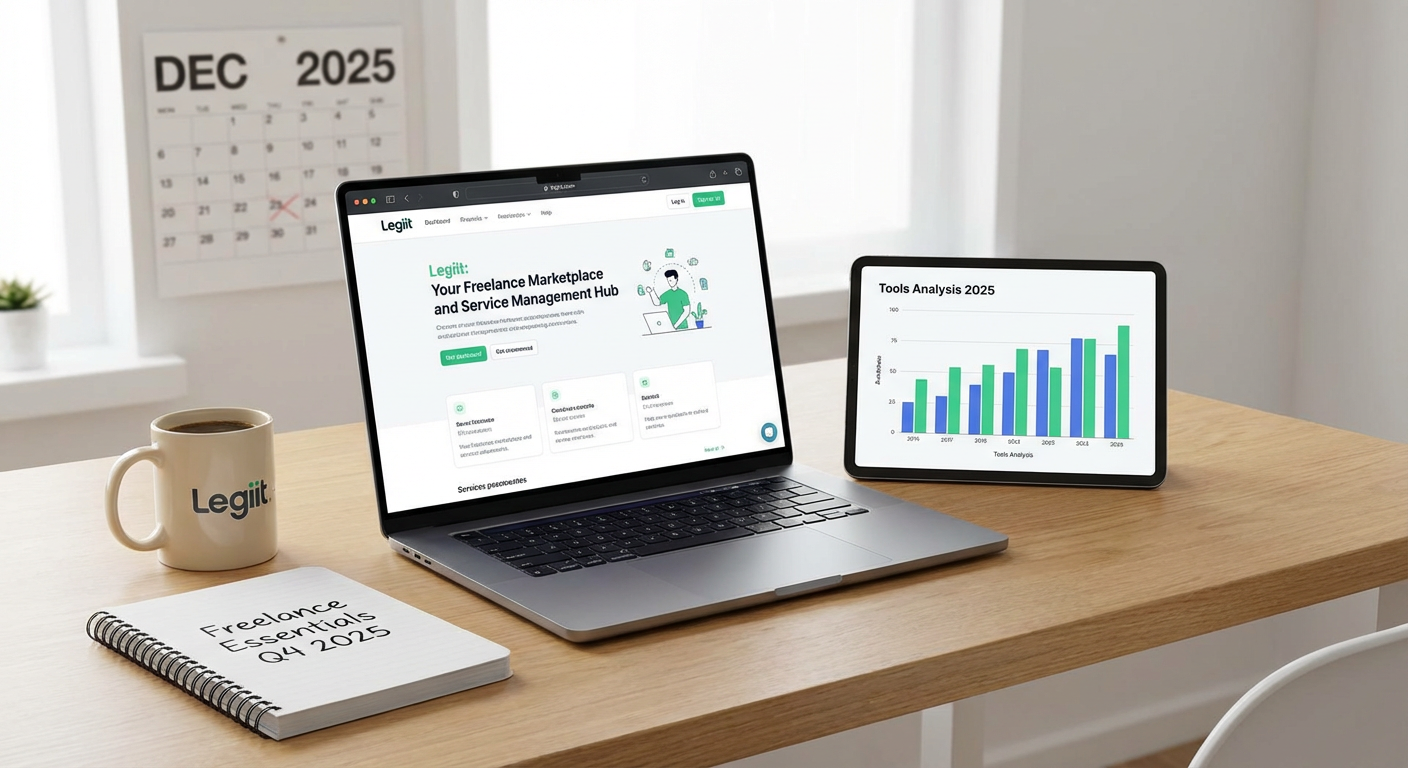
Start by setting up your presence on Legiit, a marketplace built specifically for freelancers offering digital services. Create your profile by listing three to five core services you can deliver consistently. Price each service with clear deliverables so clients know exactly what they’re getting. Use the platform’s built-in project management features to communicate with clients and track milestones.
The practical advantage here is consolidation. Instead of juggling separate tools for finding clients, processing payments, and managing projects, you handle everything in one place. Set aside two hours to build out your profile completely, including portfolio samples and a detailed bio. Then dedicate 30 minutes each day to responding to inquiries and updating your service offerings based on what’s selling. This focused approach helps you build momentum without spreading yourself too thin across multiple platforms.
- Time Tracking Software: Measure What Matters
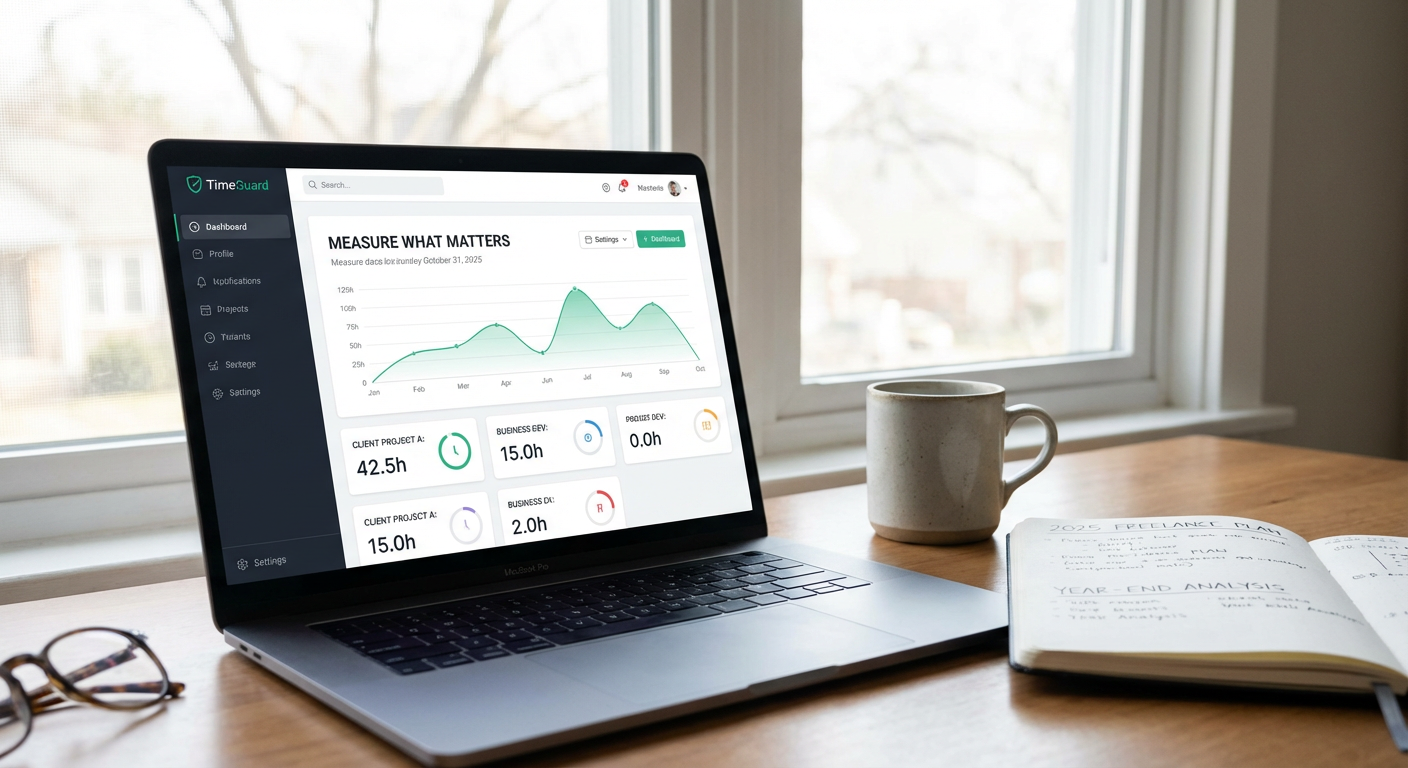
Install a time tracking tool like Toggl or Clockify and create a project for each active client. The key to making this work is building the habit of starting the timer before you begin any billable work. Keep the app open on your desktop or use the mobile version when working away from your desk.
Review your tracked time every Friday afternoon. Look for patterns in how long different tasks actually take compared to your estimates. If you quoted five hours for a website redesign but consistently spend eight, adjust your pricing or your process. Export your time reports when invoicing clients to provide transparent breakdowns. This data also helps you identify which clients and project types are most profitable, allowing you to make better decisions about where to focus your energy.
- Cloud Storage: Organize Files for Quick Access
Choose Google Drive, Dropbox, or a similar service and create a master folder structure today. Set up main folders for Clients, Templates, Portfolio, Invoices, and Contracts. Within your Clients folder, create a subfolder for each active client with consistent naming like ClientName_ProjectType_Month.
Upload your work files at the end of each session, not just when projects finish. This habit protects you from computer failures and makes files accessible from any device. Share specific folders with clients who need to review drafts or provide assets. Set up automatic backup from your desktop to your cloud storage so you never lose work. Spend 15 minutes each week cleaning up old files and archiving completed projects to keep your active workspace manageable.
- Project Management Platform: Turn Chaos into Clarity
Set up a Trello board or Asana workspace with columns for Leads, Active Projects, Awaiting Client Feedback, and Completed. Create a card for each project and add checklists breaking down the work into specific tasks. Assign due dates to each task based on your client deadlines, working backward from delivery dates.
Check your board every morning and move cards as projects progress. When clients send revision requests, add them as checklist items immediately so nothing gets forgotten. Use labels to mark priority levels or project types. If you work with subcontractors, invite them to relevant cards so everyone sees updates in real time. This visual system keeps you from dropping balls when you’re managing multiple clients at once.
- Communication Tool: Centralize Client Conversations
Pick one primary communication channel for client interactions. Slack works well for ongoing relationships, while email suits project-based work. The critical step is training clients to use your preferred method by responding faster there than on other channels.
Create templates for common messages like project kickoffs, delivery notifications, and feedback requests. Save these in a document you can quickly copy and personalize. Set specific times to check messages, such as 9 AM, 1 PM, and 4 PM, rather than staying constantly available. Use status messages to let clients know when you’re in deep work mode. Archive conversations from completed projects monthly to keep your inbox focused on active work. This structure prevents communication from becoming an all-day distraction while keeping clients satisfied with your responsiveness.
- Invoicing Software: Get Paid Without the Hassle
Set up an account with FreshBooks, Wave, or similar software and create your first invoice template. Include your business name, contact information, payment terms, and accepted payment methods. Add line items that clearly describe what you delivered, not just vague descriptions like consulting services.
Send invoices immediately when you complete work, not days later. Set up automatic reminders for unpaid invoices at 7 days and 14 days past due. Track which clients pay promptly and which ones drag their feet. This information helps you decide whether to require deposits or adjust payment terms for future projects. Export your invoicing data quarterly to see your income trends and plan for slower months. The faster you invoice, the faster you get paid, so make this a non-negotiable part of finishing each project.
- Password Manager: Secure Your Digital Assets
Download a password manager like 1Password or Bitwarden today and start by storing your ten most important passwords. These should include your email, banking, primary freelance platforms, and cloud storage. Generate strong, random passwords for each account instead of reusing the same few passwords everywhere.
When clients give you access to their websites, social media, or other accounts, store those credentials in a separate vault or folder. Add notes about what each login is for and any special instructions. When the project ends, remove client credentials from your manager and confirm they’ve changed their passwords. Use the password manager’s browser extension so you never have to manually type passwords. This saves time while protecting both your business and your clients from security breaches.
- Accounting Software: Know Your Numbers
Connect QuickBooks Self-Employed or a similar tool to your business bank account. Spend 20 minutes each week categorizing transactions as business income, business expenses, or personal. Take photos of receipts immediately after purchases and attach them to the corresponding transactions.
Set up recurring expense entries for subscriptions and regular bills so they’re automatically categorized. Generate a profit and loss report monthly to see if you’re actually making money or just staying busy. Before tax time, export your annual summary and send it to your accountant or use it to file yourself. Track your estimated tax payments if required in your location. Understanding your financial reality helps you make smart decisions about pricing, expenses, and business growth.
- Contract Templates: Protect Every Project
Purchase or download a freelance contract template specific to your field and customize it with your business details, standard payment terms, and revision policies. Save this as your master template. For each new client, copy the template and fill in project-specific details like deliverables, deadlines, and total cost.
Send contracts before starting any work, even for small projects. Use a tool like PandaDoc or HelloSign that lets clients sign electronically. Store signed contracts in a dedicated folder in your cloud storage. When scope creep happens, refer back to the contract to show what was originally agreed upon. Update your template twice a year based on problems you’ve encountered. A solid contract prevents misunderstandings and gives you legal protection if disputes arise.
- Focus App: Protect Your Productive Hours
Install an app like Freedom or Cold Turkey that blocks distracting websites and apps during work hours. Create a block list including social media, news sites, and whatever else pulls your attention away from client work. Schedule blocked sessions during your most productive hours, typically mornings for most people.
Start with 90-minute focused sessions followed by 15-minute breaks. During blocked time, work exclusively on client deliverables or business-building tasks like marketing. Use your break time for checking social media or personal messages. Track how many focused sessions you complete each week. Most freelancers find they accomplish more in three focused hours than in a full day of distracted work. This tool directly impacts your earning potential by helping you finish projects faster and take on more clients without burning out.
The difference between struggling freelancers and thriving ones often comes down to systems and tools. Each tool on this list solves a specific problem you’ll face regularly in your freelancing business. Start by implementing two or three tools this week rather than trying to adopt everything at once. Get comfortable with those, then add more as your business grows. Remember that tools only help if you actually use them consistently. Set up the systems, build the habits, and watch your freelancing business become more organized, more profitable, and less stressful to run.
