10 Practical Management Tools Every Freelancer Should Actually Use
Managing a freelancing business means juggling clients, projects, finances, and deadlines all at once. The right tools don’t just make life easier. They help you work smarter, stay organized, and get paid on time. This list focuses on management tools that solve real problems freelancers face every day. Each tool here has been chosen for its practical application and immediate impact on how you run your business. Whether you’re managing your first client or your fiftieth, these tools will help you stay on top of everything without burning out.
- Legiit for Managing Your Service Portfolio and Client Acquisition

Legiit gives freelancers a platform to list their services, manage client relationships, and handle transactions in one place. Instead of building a complex website or chasing clients through multiple channels, you can set up service packages that clients can purchase directly. This simplifies your sales process and reduces the back-and-forth that usually happens before a project starts.
The platform also handles payment processing and dispute resolution, which removes much of the administrative burden from your plate. You can focus on delivering great work while Legiit manages the transaction side. For freelancers who want to professionalize their service offering without hiring a business manager, this platform provides a practical solution that works right out of the box.
- Toggl Track for Time Management That Actually Makes Sense
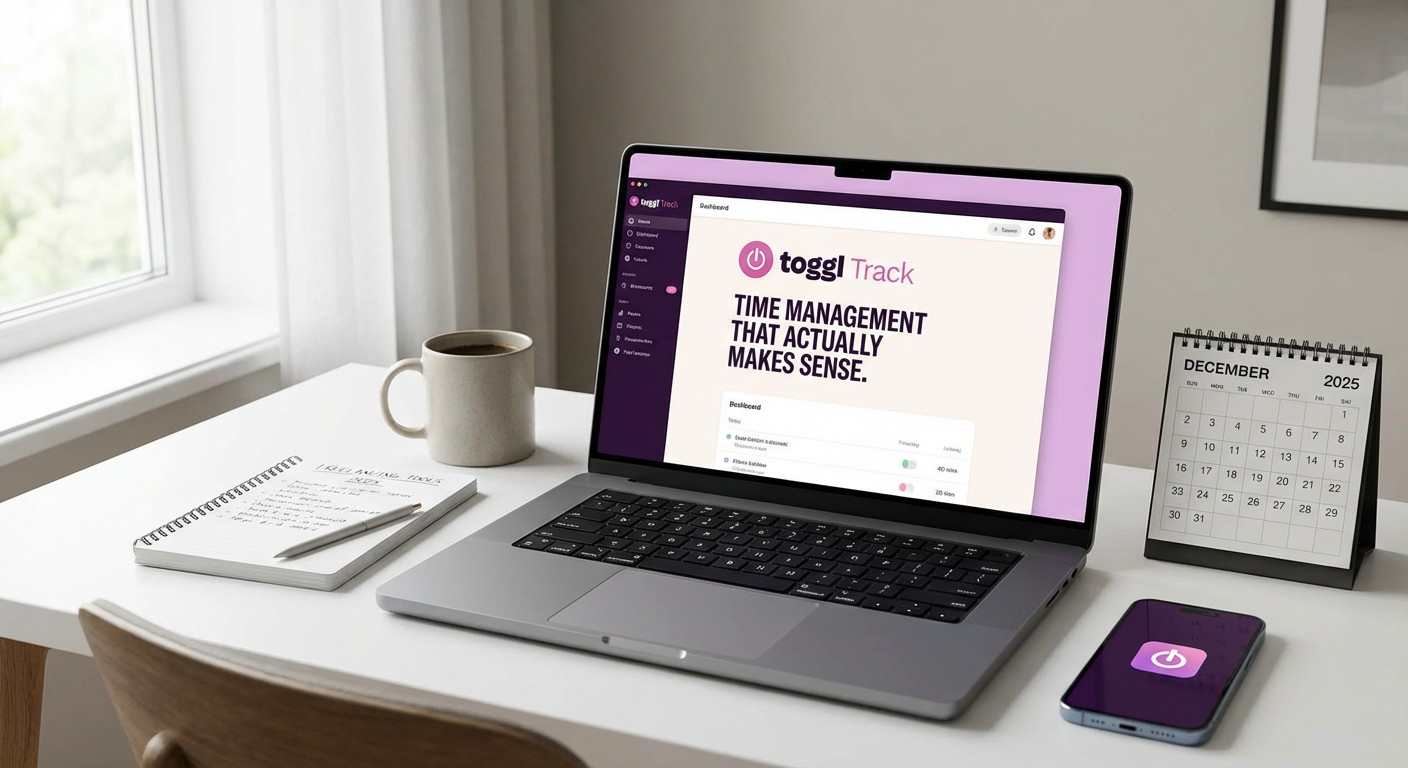
Tracking time sounds boring until you realize how much money you’re leaving on the table by underestimating project hours. Toggl Track makes time tracking simple with a one-click timer that runs in the background while you work. You can categorize time by client, project, or task type, which gives you real data about where your hours actually go.
Use this data to price your services more accurately and identify which clients or projects eat up too much time for too little pay. The reports also help when clients question your invoices. You can show exactly how many hours went into their project. Start by tracking everything for two weeks, even administrative tasks. The insights will surprise you and help you restructure how you allocate your time.
- Notion for Project and Client Documentation
Notion works as your central hub for storing client information, project briefs, meeting notes, and process documentation. Create a database for each client that includes contact details, project history, preferences, and any special requirements they’ve mentioned. This prevents you from asking the same questions twice and makes you look more professional.
Build templates for recurring processes like client onboarding, project kickoffs, or content approvals. These templates save time and ensure consistency across all your projects. The search function means you can find any piece of information in seconds, even from projects you completed months ago. Set up your workspace with clear categories and naming conventions from the start, and it will scale with your business.
- Wave for Straightforward Financial Management
Wave handles invoicing, expense tracking, and basic accounting without requiring you to learn complicated software. You can create professional invoices in minutes, set up automatic payment reminders, and accept credit card payments directly. The expense tracking feature lets you photograph receipts and categorize spending, which makes tax time significantly less painful.
The financial reports show you profit and loss at a glance, helping you understand whether your business is actually making money or just keeping you busy. Connect your bank account to automatically import transactions, then spend a few minutes each week categorizing them. This small habit gives you accurate financial data without hiring a bookkeeper. The free tier covers most freelancer needs, making it practical for businesses at any revenue level.
- Trello for Visual Project Pipeline Management
Trello’s board and card system gives you a visual representation of every project’s status. Create columns for different stages like ‘Inquiry,’ ‘In Progress,’ ‘Awaiting Feedback,’ and ‘Completed.’ Each client project becomes a card that moves across the board as work progresses. This visual approach helps you see bottlenecks and prevents projects from falling through the cracks.
Attach files, checklists, and due dates directly to each card so everything related to a project lives in one place. Use the checklist feature to break large projects into smaller tasks, which makes intimidating work feel manageable. Set up a weekly review where you look at every card and update its status. This keeps your board current and gives you a clear picture of your workload at any moment.
- Calendly for Scheduling Without the Email Ping-Pong
Stop wasting time on ‘Does Tuesday work? How about Wednesday?’ email chains. Calendly shows your availability and lets clients book time slots directly. You set your available hours, buffer times between meetings, and any blackout dates. Clients pick a time that works for them from the options you’ve already approved.
Connect it to your calendar so bookings automatically appear in your schedule and prevent double-booking. The confirmation emails include video call links and any preparation instructions you want clients to see. Set your availability windows strategically. Block out your most productive work hours for client work, not meetings. Use Calendly for everything from discovery calls to project check-ins, and reclaim hours each week previously lost to scheduling coordination.
- LastPass for Security and Password Management
Freelancers often need access to client accounts, platforms, and tools, which means managing dozens of passwords. LastPass stores all your passwords securely and fills them in automatically when you need to log in. This eliminates the security risk of reusing passwords or storing them in unsafe places like spreadsheets or sticky notes.
The secure sharing feature lets you give clients access to shared accounts without revealing the actual password. When the project ends, you can revoke access instantly. Create a separate folder for each client’s credentials so you can find what you need quickly. Enable two-factor authentication on LastPass itself for an extra security layer. This protects both your business and your clients’ sensitive information.
- Slack for Client Communication That Stays Organized
Email threads become confusing when projects involve multiple people and topics. Slack keeps conversations organized in channels, making it easy to find past discussions and decisions. Create a separate channel for each client or project where all related communication happens. This prevents important messages from getting buried in your inbox.
The search function lets you find old conversations instantly, which is helpful when you need to reference what a client said weeks ago. Use threads to keep related messages together and reduce notification overload. Set ‘Do Not Disturb’ hours to protect your personal time, and establish clear expectations with clients about response times. Pin important messages like project briefs or approval processes to the channel so they’re always accessible.
- Google Workspace for Collaboration and File Management
Google Docs, Sheets, and Drive give you and your clients a shared space to collaborate on documents in real time. No more emailing files back and forth and ending up with ten versions of the same document. Everyone works on the same file, and changes save automatically.
Use shared folders to organize files by client or project, and adjust permissions so clients can only access their own materials. The version history feature lets you see every change made to a document and restore previous versions if needed. Set up a clear folder structure from the beginning with consistent naming conventions. Create a template folder with standard documents you use repeatedly, like contracts or project briefs, so you can copy them for new projects rather than starting from scratch each time.
- Airtable for Client and Project Relationship Management
Airtable combines the simplicity of a spreadsheet with the power of a database, making it perfect for tracking clients, projects, and revenue. Build a base that includes client contact information, project status, payment terms, and deadlines all in one view. Link tables together so you can see all projects associated with a specific client or calculate total revenue by service type.
Create different views of the same data. Use a calendar view to see all deadlines, a kanban view to track project stages, or a gallery view to showcase portfolio pieces. Set up automations to send yourself reminders when invoices are due or when it’s time to follow up with a client. Start with a simple structure and add complexity as you learn what information you actually need. The flexibility means it grows with your business without requiring a complete system overhaul.
The tools on this list solve specific management problems that freelancers face daily. You don’t need to implement everything at once. Start with the tools that address your biggest pain points right now, whether that’s time tracking, invoicing, or client communication. Spend a week learning each tool properly before adding another one to your workflow. The goal isn’t to use more software. The goal is to spend less time managing your business and more time doing the work you actually enjoy. Pick two or three tools from this list, set them up properly, and watch how much smoother your freelancing business runs.
