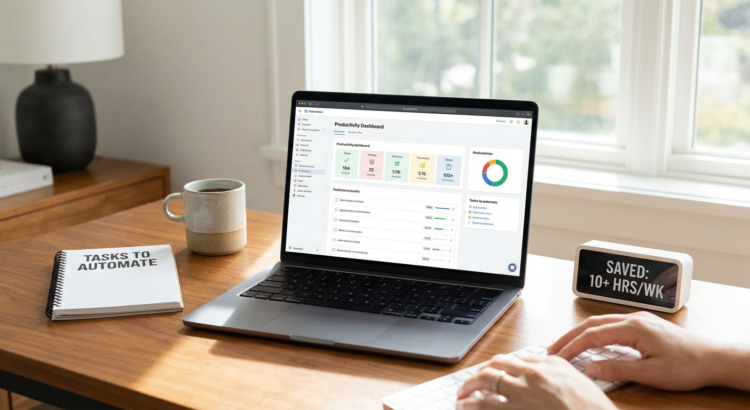
20 Future-Ready Tasks You Should Automate Right Now to Free Up 10+ Hours Weekly
The work landscape is shifting faster than ever, and the professionals who thrive are those who build systems that scale with tomorrow’s demands. Automation isn’t just about saving time today. It’s about creating a framework that stays relevant as tools evolve, teams grow, and expectations change. This list focuses on automations that won’t become obsolete next quarter. These are strategic choices that position you to adapt quickly, reduce manual overhead permanently, and reclaim more than 10 hours each week for high-value work that actually moves your career or business forward.
- Outsource Recurring Digital Tasks Through Legiit

Automation doesn’t always mean software. Sometimes the smartest long-term move is delegating repeatable work to skilled professionals who handle it better than any script could. Legiit connects you with vetted freelancers who specialize in everything from content creation to technical maintenance, letting you offload tasks that drain your calendar without sacrificing quality.
This approach scales beautifully as your needs change. You’re not locked into rigid software workflows that break when requirements shift. Instead, you build relationships with reliable professionals who adapt alongside your projects. For tasks like graphic design, video editing, SEO work, or administrative support, this human-powered automation often proves more flexible and future-ready than purely technical solutions.
- Set Up Smart Email Filtering and Priority Sorting
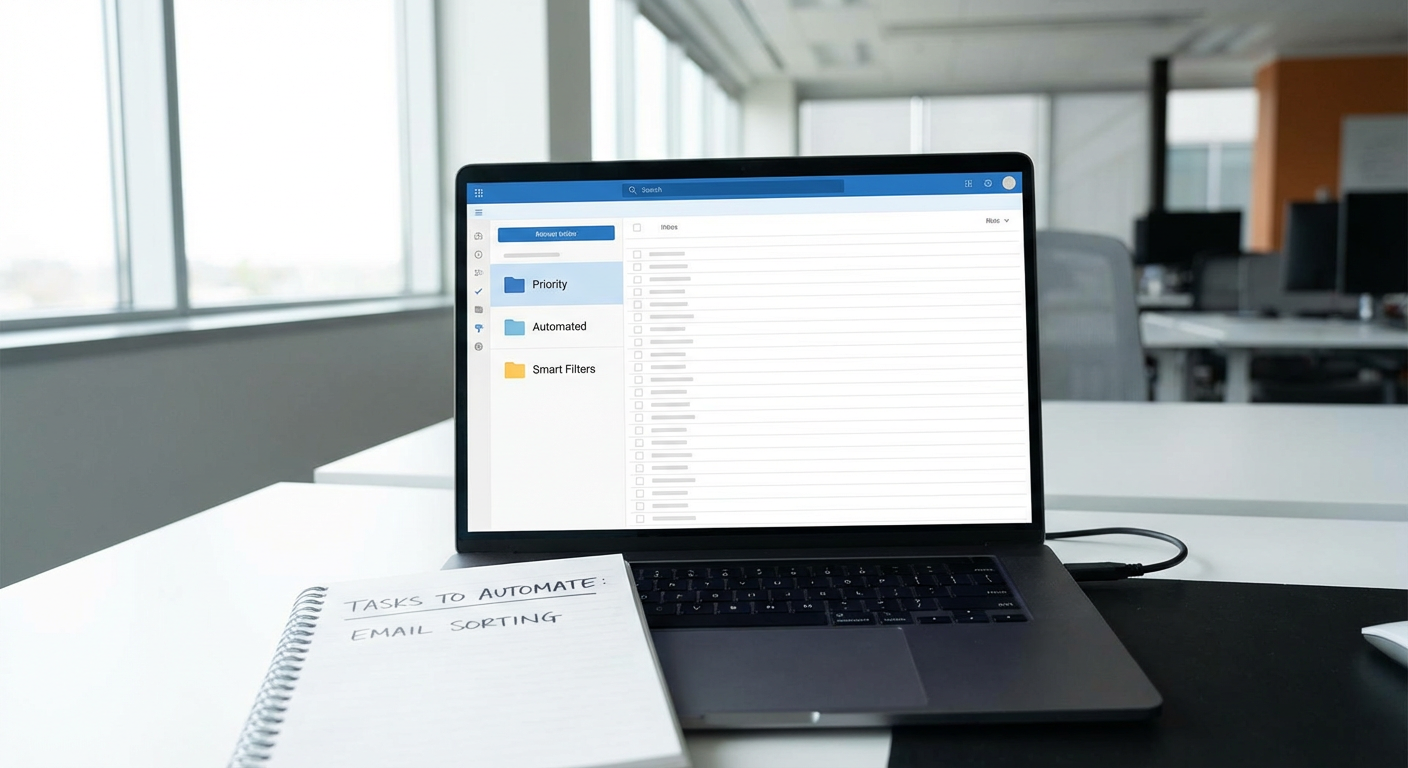
Email volume isn’t decreasing anytime soon, and managing it manually guarantees wasted hours every week. Modern email clients offer increasingly intelligent filtering that learns from your behavior and routes messages automatically. Set up rules that categorize senders, flag specific keywords, and move low-priority threads out of your main inbox.
The key is building a system that requires minimal maintenance as your contacts and projects evolve. Use filters that catch patterns rather than individual addresses. This way, when new clients or partners appear, they’re automatically sorted without you updating rules constantly. Most people save 5-7 hours weekly just by stopping the inbox scroll habit.
- Automate Social Media Scheduling Across Platforms
Posting manually to multiple social channels eats time and creates inconsistent presence. Scheduling tools let you batch-create content once, then distribute it strategically across networks without logging in daily. This isn’t just convenient. It’s a buffer against algorithm changes and platform shifts.
Choose tools that support multiple networks and offer flexible posting queues. As platforms rise and fall in relevance, you want systems that let you add or remove channels without rebuilding your entire workflow. Batch your content creation into focused sessions, then let automation handle distribution while you focus on engagement and strategy.
- Implement Automatic Invoice Generation and Payment Reminders
Chasing payments and manually creating invoices is tedious work that compounds as your client base grows. Accounting software can generate invoices automatically based on project completion, subscription cycles, or time tracking data. Payment reminders go out on schedule without you lifting a finger.
This automation becomes more valuable over time because it scales perfectly. Whether you have five clients or fifty, the system handles the load identically. Late payments drop significantly when reminders are consistent and professional, improving cash flow without awkward manual follow-ups.
- Use Transcription Services for Meetings and Calls
Taking meeting notes manually splits your attention and often results in missed details. Automated transcription tools now offer accuracy that rivals human note-takers, and the technology improves constantly. Record your meetings and calls, then receive searchable text transcripts within minutes.
This creates a permanent, searchable record that becomes more valuable as projects mature. Months later, you can search exact phrases from a client conversation instead of relying on memory or scattered notes. Many professionals report saving 3-4 hours weekly just by eliminating manual note-taking and follow-up clarifications.
- Automate Data Backups Across All Devices
Manual backups fail because people forget them until disaster strikes. Automated cloud backup solutions run continuously in the background, protecting your work without requiring conscious effort. As file sizes grow and work becomes more distributed across devices, this protection becomes essential.
Modern backup tools handle versioning automatically, letting you restore previous file states if something gets corrupted or accidentally deleted. This isn’t just about disaster recovery. It’s about building confidence that your work persists regardless of hardware failures, theft, or user error. Set it once and forget it while staying protected.
- Schedule Automatic Report Generation from Analytics Platforms
Logging into analytics dashboards to pull the same metrics weekly is pure waste. Most platforms offer scheduled reports that compile your key data and deliver it via email on whatever cadence you choose. Configure these once with the metrics that actually matter to your decisions.
This automation forces clarity about what you’re measuring and why. Instead of wandering through dashboards hoping something catches your eye, you receive focused data that drives specific actions. As your business evolves, update these reports to reflect new priorities without changing the delivery rhythm.
- Set Up Automatic Software and Security Updates
Manually updating software creates security vulnerabilities and wastes time clicking through update prompts. Enable automatic updates for operating systems, applications, and security tools wherever possible. This keeps your systems protected against known threats without requiring constant attention.
The long-term benefit extends beyond time savings. Automated updates reduce the risk of catastrophic security breaches that could cost far more than the minutes saved. As threats evolve, your defenses stay current automatically, creating a foundation that remains solid regardless of what new vulnerabilities emerge.
- Use Calendar Tools That Automatically Find Meeting Times
The back-and-forth of scheduling meetings via email is absurdly inefficient. Scheduling tools let others see your availability and book time directly, eliminating the “Does Thursday work? Actually, how about Friday?” dance that can stretch across days.
These tools integrate with your existing calendar and update in real-time as conflicts arise. As your schedule becomes more complex, the time savings compound. Many professionals recover 2-3 hours weekly just by stopping manual schedule coordination. The tools also reduce no-shows by sending automatic reminders to all participants.
- Automate Customer Onboarding Sequences
Walking new customers through the same process manually guarantees inconsistency and consumes hours better spent on strategic work. Build automated email sequences that deliver welcome information, setup instructions, and resources based on triggers like purchase completion or account creation.
This creates a scalable onboarding experience that improves over time as you refine the sequence. New customers receive prompt, professional guidance regardless of when they sign up or how busy you are. The system handles hundreds of new users as easily as it handles ten, making it genuinely future-proof as you grow.
- Implement Chatbots for Common Customer Questions
Answering the same customer questions repeatedly drains energy and time. Modern chatbots can handle a significant portion of routine inquiries, providing instant responses while you focus on complex issues that require human judgment.
The technology continues improving rapidly, with natural language processing that sounds increasingly conversational. Start with your ten most common questions and expand from there. As your product or service evolves, updating bot responses takes minutes compared to the hours saved by reducing repetitive support conversations.
- Set Up Automatic Expense Tracking and Categorization
Manually logging expenses and receipts is tedious and error-prone. Apps that connect to your bank accounts and credit cards can automatically import transactions, categorize them based on learned patterns, and even extract data from receipt photos.
This automation shines during tax season when everything is already organized and categorized. As your spending patterns change, the system adapts its categorization, requiring minimal manual correction. Most users save 1-2 hours weekly during active months and eliminate the dreaded year-end receipt scramble entirely.
- Use Project Management Tools with Automatic Task Dependencies
Manually tracking which tasks block others and updating timelines when delays occur creates confusion and wasted coordination time. Modern project management platforms let you define task dependencies once, then automatically adjust schedules when earlier tasks shift.
This becomes invaluable as projects grow complex and teams expand. Changes propagate automatically through the entire project timeline, keeping everyone aligned without manual status meetings. The system scales beautifully from solo projects to large team collaborations without requiring different workflows.
- Automate Lead Capture and CRM Entry from Multiple Sources
Manually entering contact information from web forms, social media, and email into your CRM is mind-numbing work prone to errors and delays. Integration tools can automatically route new leads from various sources directly into your CRM with proper tagging and categorization.
As your marketing channels multiply, this automation prevents leads from falling through cracks. Someone who fills out a form at midnight gets entered immediately and receives appropriate follow-up, rather than waiting until you manually process submissions. The consistency improves conversion rates while saving hours of data entry weekly.
- Schedule Automatic Content Curation and Research Digests
Staying informed in your industry requires regular research, but manually browsing news sites and blogs consumes significant time. Tools that aggregate content based on keywords and sources can deliver customized digests on your schedule, pre-filtered to your interests.
This automation ensures you stay current without falling into the research rabbit hole. Spend 15 focused minutes reviewing curated content instead of an hour wandering through websites. As new publications and sources emerge in your field, adding them to your digest takes seconds, keeping your information streams relevant.
- Use Automated Proofreading and Grammar Tools
Manually proofreading everything you write is time-intensive and less effective than you’d hope. Automated grammar and style checkers catch errors in real-time as you type, improving quality while reducing the need for multiple revision passes.
These tools have improved dramatically and continue learning from massive datasets. They now catch subtle issues like tone inconsistency and unclear phrasing, not just typos. For anyone who writes regularly, this automation saves hours weekly while improving the professionalism of every communication.
- Implement Automatic File Organization and Naming Conventions
Searching through poorly named files in disorganized folders wastes countless minutes daily. Tools that automatically rename and sort files based on rules you define keep everything accessible without manual filing.
Set up systems that handle downloads, screenshots, and project files automatically based on file type, date, or content. As your file volume grows, this organization prevents the digital clutter that slows everything down. Finding any document becomes a quick search instead of a frustrating hunt through nested folders.
- Automate Competitor and Market Monitoring
Manually checking competitor websites, pricing, and marketing activities is tedious but necessary for staying competitive. Monitoring tools can track changes automatically and alert you only when something significant shifts, rather than requiring daily manual checks.
This automation ensures you never miss important market movements while freeing you from repetitive monitoring tasks. As your competitive landscape evolves, adding new targets to monitor takes moments. You stay informed without dedicating hours to manual surveillance.
- Use Automatic Video and Podcast Editing Tools
Editing video and audio content manually is incredibly time-consuming, often taking longer than the original recording. New tools can automatically remove silence, add captions, enhance audio quality, and even cut filler words based on transcripts.
While human editors still excel at creative decisions, automated tools handle the tedious technical work that consumes most editing time. Many content creators report reducing editing time by 60-70% while maintaining quality. As these tools improve, they handle increasingly sophisticated tasks, making them smart long-term investments.
- Set Up Automatic Performance Monitoring and Alerts
Whether monitoring website uptime, server performance, or application errors, manual checking is inefficient and catches problems too late. Automated monitoring tools watch your systems continuously and alert you only when metrics fall outside acceptable ranges.
This proactive approach prevents small issues from becoming catastrophic failures. Instead of discovering your website was down for six hours, you get alerted within minutes and can respond immediately. As your technical infrastructure grows more complex, these systems scale effortlessly, protecting everything without increasing your workload.
Building a future-ready automation framework isn’t about chasing every new tool that promises miracles. It’s about selecting systems that solve real problems, adapt as circumstances change, and continue delivering value regardless of what shifts in your industry or workflow. The automations on this list share one critical trait: they get more valuable over time rather than becoming obsolete. Start with the areas that drain the most hours from your week, implement thoughtfully, and refine as you go. The 10+ hours you reclaim aren’t just free time. They’re strategic capacity to focus on work that actually requires your unique skills and judgment, positioning you to thrive regardless of what changes tomorrow brings.
