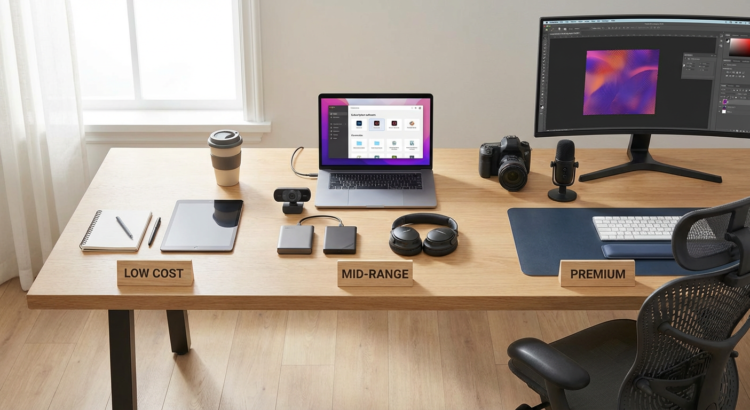
10 Future-Ready Tools for Your Freelancing Business, Organized by Cost
Building a freelance business that lasts means choosing tools that grow with you, not against you. The right software and platforms should adapt to changes in technology, client expectations, and work patterns. This list organizes essential tools by cost, from free options to premium investments, with a focus on longevity and staying relevant. Whether you’re starting out or scaling up, these choices will help you stay competitive and prepared for whatever comes next.
- Legiit: Marketplace Built for Long-Term Freelance Growth
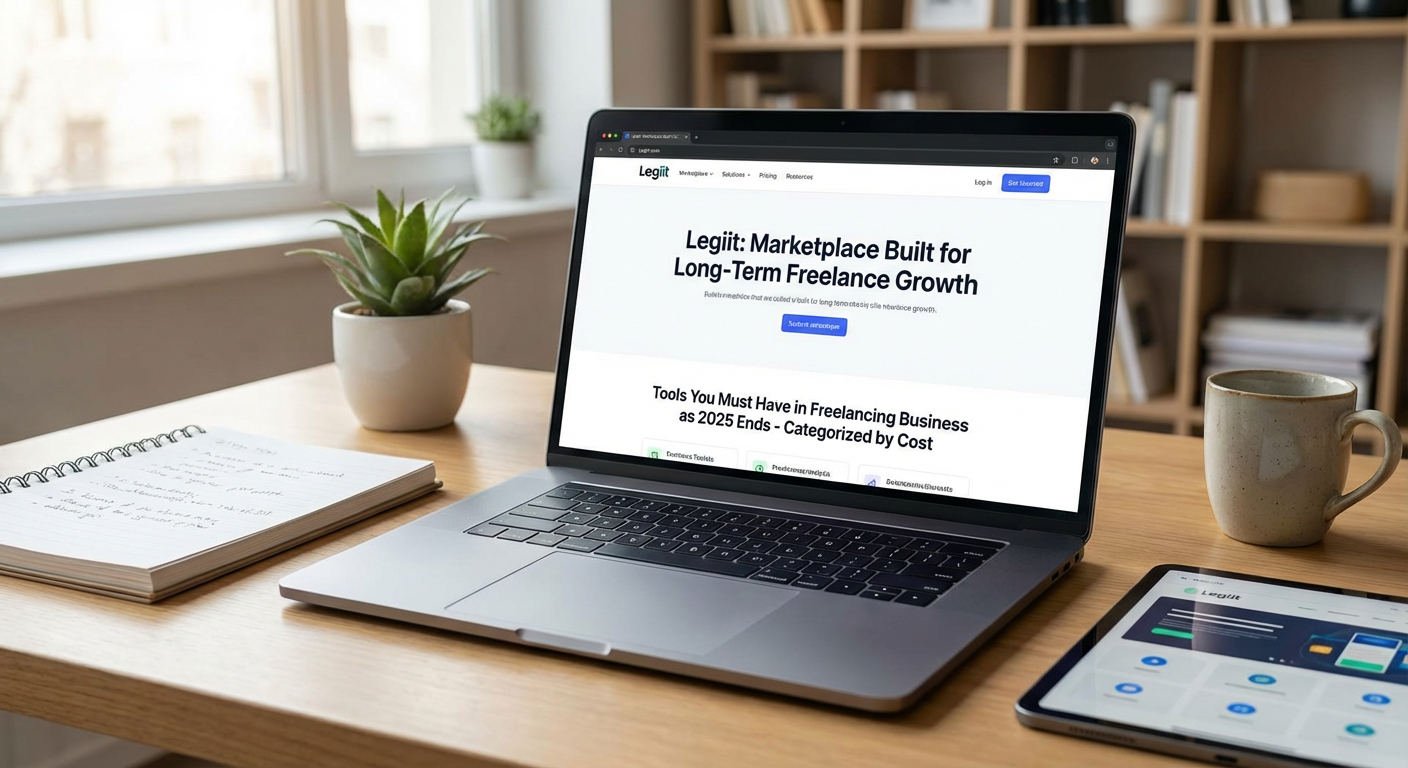
Legiit offers freelancers a platform that combines client acquisition with tools designed for sustainable growth. Unlike traditional marketplaces that take hefty cuts and limit your control, Legiit allows you to build a real business presence with storefronts, subscription services, and direct client relationships. The platform supports diverse service categories and gives you flexibility in how you structure your offers, from one-time projects to recurring retainer arrangements.
What makes Legiit particularly valuable for forward-thinking freelancers is its focus on ownership and community. You’re not just another profile in a massive directory. The platform actively helps sellers grow through education, networking opportunities, and features that let you showcase expertise beyond simple gig listings. Pricing varies based on your seller level, but the investment pays off through better client relationships and higher-value projects.
- Notion: Free to Mid-Range Knowledge Management
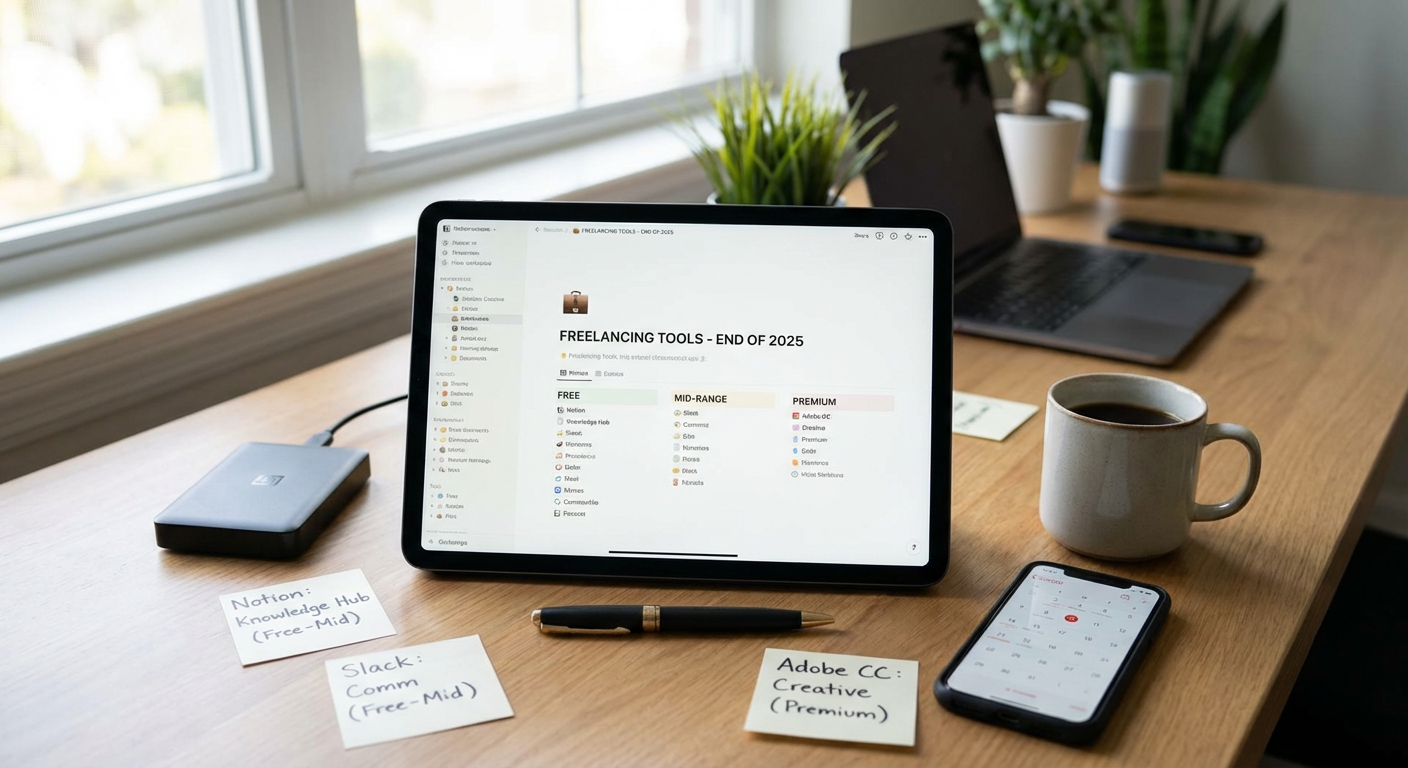
Notion started as a note-taking app but has evolved into a complete workspace for freelancers who need to stay organized as their business grows. The free plan is generous enough for solo freelancers, while paid tiers add collaboration features and unlimited file uploads. What sets Notion apart is its flexibility. You can build custom databases, project trackers, client portals, and content calendars without learning complex software.
The platform receives regular updates that add functionality without breaking your existing setups. This commitment to improvement means your systems won’t become obsolete. Many freelancers start with simple templates and gradually build sophisticated workflows as their needs change. The ability to adapt Notion to your specific business model, rather than forcing your work into rigid structures, makes it a smart choice for the long term. Paid plans start around ten dollars monthly, making it accessible at any stage of business growth.
- Stripe: Payment Processing That Scales
Getting paid reliably is non-negotiable, and Stripe has become the standard for freelancers who want payment infrastructure that grows with their business. There’s no monthly fee, just a percentage of each transaction, which means your costs scale naturally with your income. Stripe handles everything from simple invoicing to subscription billing, international payments, and even buy-now-pay-later options.
What makes Stripe particularly future-ready is its constant expansion into new payment methods and markets. As client preferences shift toward different payment types or currencies, Stripe typically supports them quickly. The platform also offers detailed financial reporting and integrates with most accounting software, saving you time during tax season. While the transaction fees are standard across the industry, the lack of setup costs and the comprehensive feature set make it ideal for freelancers at any income level.
- Canva Pro: Affordable Design That Keeps Improving
Visual content isn’t optional anymore, even if design isn’t your primary service. Canva Pro costs around thirteen dollars monthly and gives freelancers access to a massive library of templates, photos, and design elements. More importantly, Canva consistently adds features that used to require expensive software, from video editing to presentation tools and brand kit management.
The platform uses AI to speed up common design tasks without requiring you to learn complicated techniques. As visual content becomes more central to client communication and marketing, having a tool that stays current with design trends and technology means you won’t need to switch platforms or hire out basic design work. Canva’s collaborative features also make it easy to work with clients or team members, and the mobile apps let you create content anywhere. For freelancers who need professional-looking graphics without a steep learning curve or budget, Canva Pro delivers consistent value.
- Grammarly Premium: Professional Communication Insurance
Every email, proposal, and deliverable you send represents your professionalism. Grammarly Premium goes beyond basic spell-check to catch tone issues, clarity problems, and style inconsistencies that can undermine your credibility. At roughly twelve dollars monthly, it’s an affordable way to ensure your written communication stays polished as you scale and work with more demanding clients.
The platform learns from your writing style and adapts its suggestions over time. Recent updates include AI-powered writing assistance that helps you draft messages faster without sacrificing quality. As remote work continues to rely heavily on written communication, having a tool that catches mistakes before clients see them is worth the investment. Grammarly works across browsers, email clients, and document editors, so you get consistent support wherever you write. The premium version also includes plagiarism detection, which protects you when creating content for clients.
- Calendly: Time Management That Respects Everyone’s Schedule
Back-and-forth emails trying to schedule meetings waste time that freelancers can’t afford to lose. Calendly automates scheduling by letting clients and collaborators book time directly from your available slots. The free version covers basic needs, while paid plans starting around ten dollars monthly add features like payment collection, team scheduling, and workflow automation.
What makes Calendly valuable long-term is how it integrates with other tools you already use. It syncs with multiple calendars, connects to video conferencing platforms, sends automated reminders, and can even route different types of meetings to specific time blocks. As your client base grows, these features save hours each week and reduce no-shows. The professional appearance of a branded scheduling page also elevates how clients perceive your business. Time zone handling is automatic, which matters increasingly as freelance work becomes more global.
- HubSpot CRM: Free Relationship Management
Tracking client relationships, project history, and communication gets messy as your freelance business grows. HubSpot offers a completely free CRM that handles contact management, deal tracking, email integration, and basic automation without charging anything. This isn’t a limited trial. It’s a full system that many small businesses use without ever upgrading.
The free tier includes features that competitors charge hundreds for, like email tracking, meeting scheduling, and pipeline visualization. HubSpot bets that some users will eventually want advanced marketing or sales tools, but the core CRM remains free. For freelancers, this means you can build sophisticated client management systems without monthly costs eating into your profit. The platform is also well-documented and widely used, so finding help or integrations is easy. As your needs grow, you can add paid features selectively rather than switching to a completely different system.
- Loom: Async Video Communication
Text explanations have limits, especially when you’re trying to give feedback, explain complex ideas, or walk clients through deliverables. Loom lets you record quick screen and camera videos that you can share instantly via link. The free plan allows up to fifty videos, while paid plans starting around twelve dollars monthly remove limits and add features like custom branding and better video quality.
Async video communication is becoming standard in remote work because it’s faster than writing lengthy emails and more convenient than scheduling calls across time zones. Loom videos also create a record of what was discussed, reducing misunderstandings. The platform makes it simple to record, trim, and share videos in minutes, and viewers can watch at their own pace and comment on specific timestamps. As freelancers increasingly work with distributed teams and international clients, tools that bridge communication gaps without requiring everyone to be online simultaneously become more valuable.
- Descript: All-in-One Content Creation
Audio and video content are no longer optional for freelancers who want to build authority and attract better clients. Descript combines recording, editing, and transcription in one tool, starting with a capable free plan and scaling to professional plans around twenty-four dollars monthly. What makes it special is the text-based editing approach, where you edit audio and video by editing the transcript.
This method dramatically reduces the learning curve compared to traditional editing software. You can remove filler words automatically, create clips from long recordings, and even use AI voices to fix small mistakes without re-recording. As podcasting and video content continue growing in importance for personal branding and client education, having accessible tools that don’t require specialized skills makes a big difference. Descript also includes collaboration features and publishing integrations, so you can go from recording to distribution without switching between multiple platforms.
- Adobe Creative Cloud: Premium Investment for Serious Creators
For freelancers whose core services involve design, video, photography, or creative work, Adobe Creative Cloud represents a significant but justified investment at around sixty dollars monthly for the full suite. While expensive compared to other options, it remains the industry standard, which means client compatibility, extensive learning resources, and tools that professionals use at the highest levels.
Adobe consistently updates its applications with features that keep pace with technology changes. Recent additions include AI-powered selection and editing tools that save hours on routine tasks. The cloud integration means your work syncs across devices, and collaboration features let you work directly with clients and teams. For freelancers who charge premium rates and need tools that handle any project requirement, Creative Cloud eliminates limitations. The investment pays for itself through the ability to take on more complex, higher-paying work. Adobe’s commitment to staying at the forefront of creative technology means you won’t outgrow these tools as your skills and business develop.
Building a freelance business that lasts requires choosing tools that adapt as technology and client expectations change. Starting with free or low-cost options like HubSpot and Notion lets you establish solid systems without draining your budget, while strategic investments in platforms like Adobe Creative Cloud or Stripe position you for growth. The key is selecting tools that scale with your business, receive regular updates, and integrate with other systems you use. Focus on building a tech stack that supports your work today while preparing you for tomorrow’s opportunities. The right tools don’t just make you more efficient right now. They help you stay relevant and competitive for the long haul.
