10 Essential Freelancing Tools Compared: Which Application Category Wins for Your Business?
Choosing the right tools for your freelancing business means understanding what you’re giving up and what you’re gaining with each option. Every category of application comes with trade-offs between cost, features, learning curve, and long-term value. This list breaks down ten must-have tool categories for freelancers, comparing the strengths and weaknesses of popular options in each space. Whether you’re building your first toolkit or reconsidering your current setup, you’ll find practical analysis to help you make informed decisions that fit your specific needs and budget.
- Freelance Marketplace Platforms: Legiit Versus Traditional Gig Sites
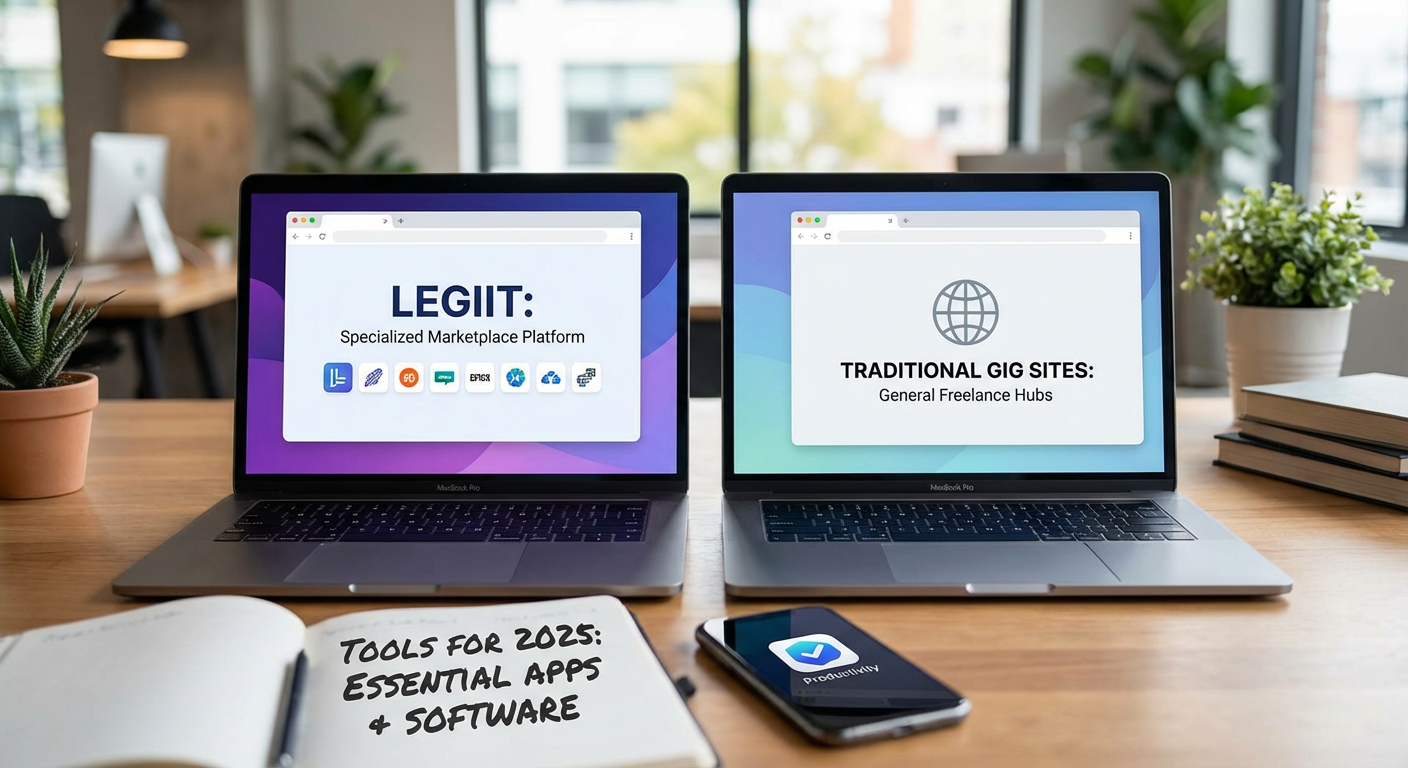
When comparing freelance marketplaces, Legiit stands out for its focus on digital marketing services and long-term client relationships, while platforms like Fiverr emphasize quick transactions and broad service categories. Legiit charges lower fees than most competitors, letting you keep more of what you earn, and its community leans toward experienced professionals rather than bargain hunters. The trade-off is a smaller buyer pool compared to massive platforms, but the quality of clients tends to be higher.
Traditional gig sites offer enormous visibility and constant traffic, which helps new freelancers build portfolios quickly. However, the race to the bottom on pricing can be exhausting, and you’ll face steep commission cuts that eat into your profit margins. Legiit strikes a middle ground by offering solid exposure without the predatory fee structure, making it particularly valuable for freelancers who want to position themselves as experts rather than commodity service providers. If you prioritize earning potential over sheer volume, Legiit‘s model delivers better returns per project.
- Time Tracking Software: Toggl Track Versus Clockify
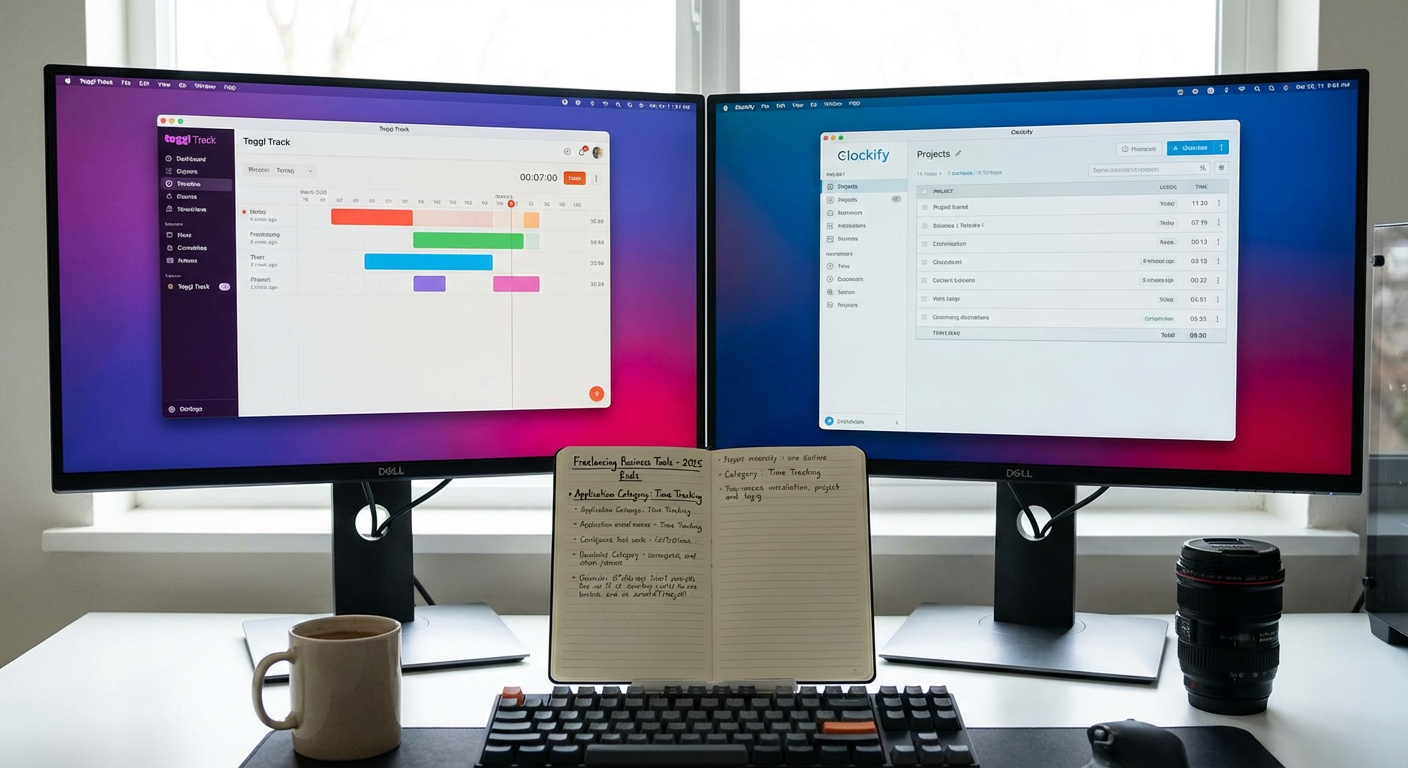
Time tracking tools split into two camps: feature-rich paid options and capable free alternatives. Toggl Track offers polished interfaces, detailed reporting, and smooth integrations with project management tools, but you’ll pay monthly fees that add up quickly for teams. The premium tiers give you timeline views, project profitability analysis, and forecasting tools that justify the cost if you bill hourly or manage multiple clients simultaneously.
Clockify provides nearly identical core functionality at no cost for unlimited users, which makes it unbeatable for solo freelancers and small teams on tight budgets. The free version handles time tracking, project organization, and basic reporting without artificial limits. Where Clockify falls short is in advanced analytics and customer support responsiveness. For most freelancers starting out, Clockify’s free tier covers everything needed, while established consultants who need granular profit analysis will find Toggl Track’s paid features worth the investment. The real question is whether you need business intelligence or just accurate timesheets.
- Invoicing and Payment Systems: FreshBooks Versus Wave
Invoicing software varies dramatically in pricing models and feature depth. FreshBooks delivers comprehensive accounting features including expense tracking, mileage logging, proposal creation, and double-entry bookkeeping, but charges monthly subscription fees starting around fifteen dollars. The interface feels intuitive for non-accountants, and automated payment reminders reduce the awkwardness of chasing late-paying clients. You also get phone support and a mobile app that works smoothly for capturing receipts on the go.
Wave offers completely free invoicing and accounting software with unlimited invoices, customers, and transactions. The catch is that Wave makes money by charging payment processing fees when clients pay through the platform, and by selling add-on services like payroll and payment by bank transfer. For freelancers who send fewer than ten invoices monthly or whose clients pay via bank transfer anyway, Wave’s free tier provides everything necessary without monthly costs eating into margins.
FreshBooks makes sense when you need time tracking integrated directly with invoicing, or when your business complexity demands detailed financial reporting. Wave wins for simple service businesses where the core need is professional invoices and basic bookkeeping. Neither option locks you into contracts, so you can start with Wave and graduate to FreshBooks as your needs grow.
- Project Management Platforms: Asana Versus Trello
Project management tools divide between list-based systems and visual board approaches. Asana structures work around tasks, subtasks, and multiple view options including lists, boards, timelines, and calendars. This flexibility helps manage complex projects with dependencies and multiple collaborators, but the learning curve steepens quickly when you start using custom fields and advanced automation. The free tier supports up to fifteen team members with basic features, while paid plans add timeline views and workload management.
Trello uses a card-and-board system inspired by kanban methodology, making it immediately understandable for visual thinkers. You can set up a functional project board in minutes without training, and the simplicity keeps you focused on doing work rather than managing tools. However, Trello becomes cluttered when projects grow complex, and reporting capabilities lag far behind Asana’s offerings. Power-ups extend functionality but require paid plans for most useful additions.
Choose Asana if you juggle multiple client projects with recurring tasks, deadlines that shift, and team members who need clear assignments. Pick Trello when you work solo or with small teams and prefer visual simplicity over analytical depth. Both integrate well with other tools, so your decision hinges on whether you think in lists and hierarchies or in visual workflows.
- Communication Tools: Slack Versus Microsoft Teams
Team communication platforms compete fiercely, with Slack and Microsoft Teams representing different philosophies. Slack pioneered the modern workplace chat experience with channels, direct messages, threads, and thousands of app integrations. The interface feels snappy and modern, and the search functionality actually works when you need to find that contract detail from three months ago. Free plans limit message history to ninety days, pushing growing teams toward paid subscriptions that cost per user monthly.
Microsoft Teams comes included with Microsoft 365 subscriptions, making it essentially free for freelancers already paying for Office apps. Teams integrates deeply with Word, Excel, SharePoint, and Outlook, creating a unified environment if you live in the Microsoft ecosystem. The interface feels more corporate and less nimble than Slack, and the notification system can overwhelm new users. However, the video calling quality often surpasses Slack’s, and file collaboration happens more smoothly within Teams.
Freelancers working with corporate clients often need Teams simply because that’s what the client uses, regardless of personal preference. Slack works better for freelancer-to-freelancer collaboration and for clients in creative industries. The real comparison point is whether you already pay for Microsoft 365. If yes, Teams makes financial sense. If no, Slack’s free tier probably covers your needs unless you require unlimited message history.
- File Storage and Sharing: Google Drive Versus Dropbox
Cloud storage services differ in free storage amounts, collaboration features, and sync reliability. Google Drive includes fifteen gigabytes free across Gmail, Drive, and Photos, with smooth collaboration on Google Docs, Sheets, and Slides. The web-based editing means clients can comment on documents without downloading software, reducing friction in feedback loops. Paid plans start at two dollars monthly for one hundred gigabytes, positioning Google as the budget-conscious choice. Search functionality leverages Google’s core competency, making lost files easier to recover.
Dropbox provides only two gigabytes free but offers superior sync technology that handles large files and spotty connections more reliably. The desktop integration feels more native than Google Drive, and Dropbox Paper provides a clean collaborative document editor. Paid plans cost more than Google’s equivalent tiers, but you get features like rewind to restore previous file versions and better conflict resolution when multiple people edit simultaneously.
Google Drive wins for freelancers who primarily share documents and spreadsheets and who want generous free storage. Dropbox suits freelancers handling large design files, video projects, or working in areas with unreliable internet where sync stability matters more than cost. Many freelancers end up using both: Google Drive for collaboration and Dropbox for personal backup and large file storage.
- Email Marketing Services: Mailchimp Versus ConvertKit
Email marketing platforms target different user types with distinct pricing and feature philosophies. Mailchimp offers a free tier for up to five hundred contacts and sends up to one thousand emails monthly, making it accessible for freelancers building audiences from scratch. The platform includes landing pages, social media posting, and basic automation in free plans, plus an extensive template library that helps non-designers create professional campaigns. However, pricing jumps quickly as your list grows, and the interface has become cluttered with features most freelancers never use.
ConvertKit focuses specifically on creators, bloggers, and freelancers who sell services or digital products. The interface emphasizes subscriber management and automation sequences over flashy templates, which means less visual polish but more powerful subscriber tagging and segmentation. ConvertKit’s free tier covers up to one thousand subscribers with basic features, and paid plans unlock automation and integrations. The cost per subscriber runs higher than Mailchimp at equivalent list sizes, but the features align better with freelancer needs like course launches and service promotion.
Mailchimp makes sense when you need versatile marketing tools beyond email, or when your list will stay small for a while. ConvertKit justifies its higher cost when you sell digital products, run email courses, or need sophisticated subscriber segmentation. Both export your list easily if you decide to switch, so starting with Mailchimp’s generous free tier and migrating to ConvertKit as your needs mature represents a practical path.
- Design and Visual Content: Canva Versus Adobe Creative Cloud
Design tools range from accessible template-based systems to professional-grade creative suites. Canva democratizes design with drag-and-drop interfaces, thousands of templates, and a massive library of stock photos and elements. The free tier covers most freelancer needs including social media graphics, presentations, and simple logos. Canva Pro adds features like background removal, brand kits, and resizing designs for multiple platforms with one click, costing around thirteen dollars monthly. Non-designers can produce professional-looking materials in minutes without training.
Adobe Creative Cloud represents the professional standard with Photoshop, Illustrator, InDesign, and dozens of other specialized tools. The power and precision far exceed Canva’s capabilities, enabling pixel-perfect designs, advanced photo retouching, and print-ready files that meet professional specifications. The monthly cost starts around sixty dollars for the full suite, and the learning curve measures in months or years rather than hours. You also get cloud storage, portfolio websites, and Adobe Fonts access.
Canva suits freelancers who need good-enough visuals quickly and affordably, particularly for social media, blog graphics, and client presentations. Adobe makes sense for designers, photographers, and freelancers whose services include professional visual work where clients expect industry-standard deliverables. A hybrid approach works well: use Canva for quick internal graphics and Adobe for client-facing design work. Consider that many clients specifically request Adobe file formats, which Canva cannot provide.
- Password Management: 1Password Versus Bitwarden
Password managers protect the dozens of accounts freelancers juggle while balancing security, convenience, and cost. 1Password offers polished apps across all platforms, smooth browser integration, and features like travel mode that temporarily hides sensitive vaults when crossing borders. The interface feels refined, and features like Watchtower alert you to compromised passwords or weak credentials. Family plans run about five dollars monthly per person, while individual plans cost slightly less. Customer support responds quickly and knowledgeably.
Bitwarden provides open-source password management with free individual plans that include unlimited passwords, sync across unlimited devices, and basic two-factor authentication. The premium tier costs just ten dollars annually, adding features like advanced two-factor options, encrypted file storage, and priority support. The interface looks more utilitarian than 1Password’s, and some convenience features lag behind, but the core functionality matches paid competitors while costing a fraction of the price.
1Password justifies its cost through superior user experience, better mobile apps, and family sharing features that work smoothly if you need to share certain logins with contractors or virtual assistants. Bitwarden wins on pure value, delivering essential security for freelancers on tight budgets. Both options vastly outperform using the same password everywhere or storing passwords in unencrypted documents. The security difference between them is negligible, so your choice comes down to whether polished interfaces and customer support matter enough to justify ongoing costs.
- Video Conferencing: Zoom Versus Google Meet
Video meeting platforms compete on reliability, features, and pricing models. Zoom became the default option during remote work shifts, offering stable connections, virtual backgrounds, breakout rooms, and recording capabilities. The free tier limits meetings to forty minutes with three or more participants, pushing regular users toward paid plans starting around fifteen dollars monthly per host. Zoom handles poor internet connections better than most competitors, and the interface feels intuitive even for less technical clients. Screen sharing works reliably with annotation tools that help explain concepts visually.
Google Meet comes free with Google accounts, providing unlimited meeting length for one-on-one calls and up to sixty minutes for group meetings. The integration with Google Calendar means meetings start with a single click from calendar invites, reducing the friction of sending separate links. Paid Google Workspace plans remove time limits and add features like recording, but many freelancers find the free tier sufficient for client calls. Meet lacks some of Zoom’s polish and advanced features like breakout rooms in lower tiers, but it covers the basics reliably.
Zoom makes sense for freelancers who host group workshops, training sessions, or long strategy calls where the forty-minute limit would disrupt flow. Google Meet works perfectly for standard client check-ins, quick updates, and freelancers already embedded in the Google ecosystem. Many freelancers maintain both, using whichever platform the client prefers. The real deciding factor is whether you need meeting recordings and advanced features frequently enough to justify Zoom’s subscription cost, or if simple face-to-face video calls meet your needs.
Building an effective freelance toolkit requires weighing the pros and cons of each tool category against your specific situation. The best choice for one freelancer might be completely wrong for another based on factors like client preferences, budget constraints, technical comfort, and business complexity. Start with free tiers and basic plans to test what actually improves your workflow versus what just adds complexity. As your business grows and your needs clarify, you can upgrade strategically to paid tools that deliver measurable returns. The goal is not having every premium tool available, but rather assembling a lean set of applications that work well together and support your particular way of working. Focus on tools that solve real problems you face regularly, and avoid collecting software just because other freelancers recommend it.
