
10 Budget-Friendly Premium Tools Every Freelancer Needs Without Breaking the Bank
Running a freelancing business means juggling multiple responsibilities while keeping costs under control. You need professional tools that deliver real value, but you don’t need to drain your bank account to get them. This list focuses on premium offerings that provide exceptional return on investment, affordable pricing tiers, and features that truly matter for growing your freelance business. Whether you’re just starting out or looking to upgrade your toolkit without overspending, these ten tools offer the perfect balance of quality and affordability.
- Legiit: Your Affordable Marketplace for Freelance Services

Legiit stands out as a cost-effective platform where freelancers can both offer their services and find quality help for tasks outside their expertise. Unlike platforms that charge steep commission fees, Legiit keeps more money in your pocket with reasonable pricing structures. You can create service listings, connect with clients, and even purchase services from other freelancers when you need support.
The platform specializes in digital marketing, SEO, content creation, and web services, making it ideal for freelancers in these fields. You’ll find both buyers looking for affordable services and sellers offering competitive rates. The community aspect means you can network with other professionals, learn from their experiences, and potentially collaborate on larger projects. For freelancers watching their budget, Legiit provides a solid alternative to higher-priced freelancing platforms while maintaining quality standards.
- Notion: All-in-One Workspace That Replaces Multiple Subscriptions
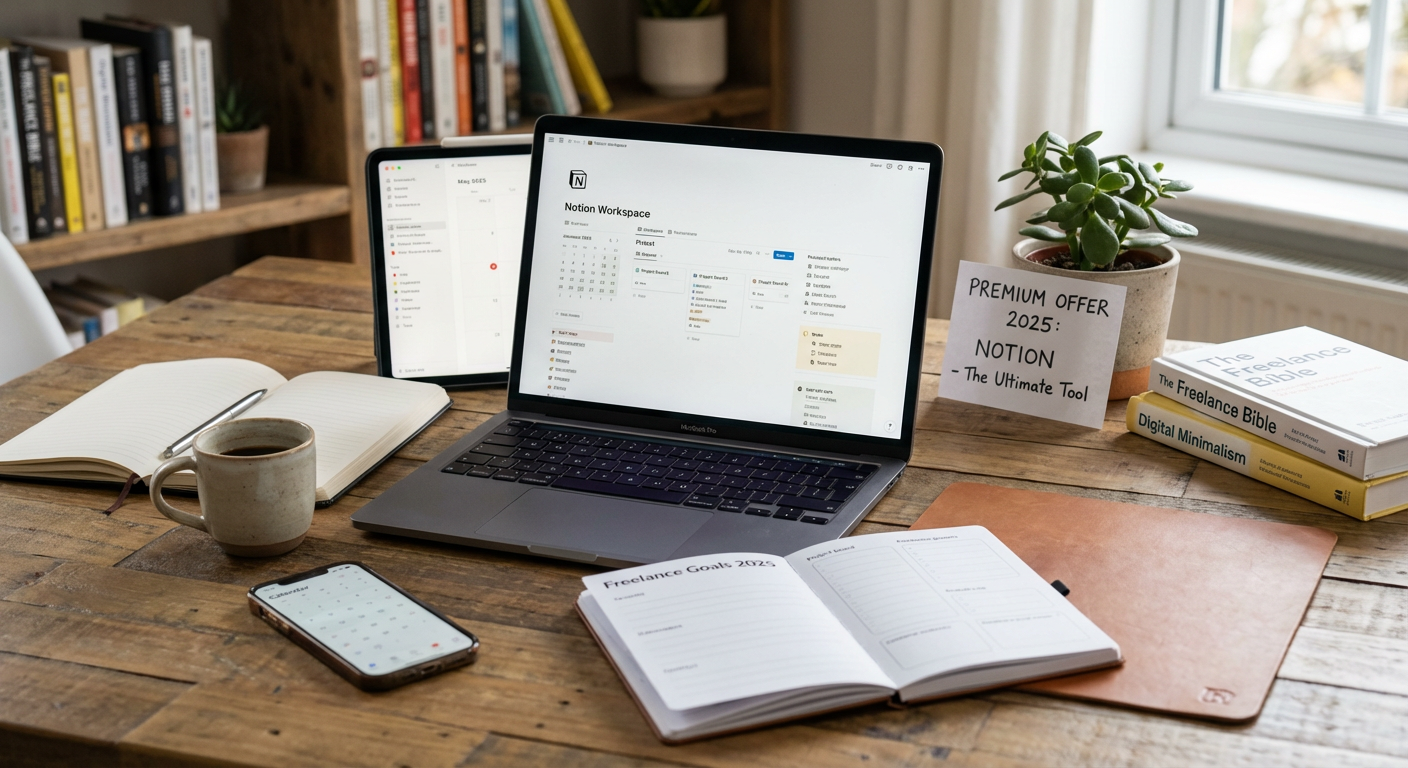
Notion eliminates the need for separate project management, note-taking, and database tools by combining them into one affordable package. The free plan is genuinely useful for solo freelancers, offering unlimited pages and blocks. When you’re ready to upgrade, the personal pro plan costs less than maintaining subscriptions to three or four separate tools.
You can build custom workflows, track client projects, maintain a content calendar, store research, and create invoice templates all in one place. The learning curve is manageable, and the template gallery offers ready-made solutions you can adapt immediately. Many freelancers save hundreds of dollars yearly by consolidating their tech stack into Notion. The mobile apps work smoothly, so you can update project details or capture ideas while away from your desk.
- Canva Pro: Professional Design Without Designer Prices
Canva Pro delivers design capabilities that would normally require expensive software and extensive training. For a monthly fee less than a single meal at a restaurant, you get access to millions of stock photos, templates, and design elements. The brand kit feature lets you save your colors, fonts, and logos for consistent client deliverables.
The background remover alone justifies the cost, saving you from purchasing separate photo editing software. You can create social media graphics, presentations, proposals, invoices, and marketing materials without hiring a designer for every small task. The content planner feature allows direct scheduling to social platforms, replacing yet another tool. The collaboration features mean you can share designs with clients for feedback without complicated file transfers.
- Grammarly Premium: Editing Assistant That Pays for Itself
Grammarly Premium costs less than hiring an editor for even a single project, yet it reviews everything you write throughout the year. The plagiarism checker protects your reputation by ensuring your content is original before delivery. The tone detector helps you match your writing style to different clients and contexts.
For freelancers who write emails, proposals, blog posts, or any text-based deliverables, the time saved on self-editing adds up quickly. The vocabulary suggestions help you avoid repetitive language, making your work appear more polished. The clarity-focused rewrites often reveal simpler ways to express complex ideas, improving client satisfaction. You can set goals for each document, whether formal, confident, or friendly, and Grammarly adjusts its suggestions accordingly.
- Calendly: Scheduling Tool That Eliminates Email Tennis
Calendly’s free version handles basic scheduling needs, but the paid tiers offer features that directly increase your billable hours. Stop wasting time on back-and-forth emails trying to find meeting times. Instead, share your booking link and let clients choose slots that work for both of you automatically.
The paid plans allow multiple event types, so you can offer different meeting lengths for discovery calls, client check-ins, and project kickoffs. Buffer times between meetings prevent back-to-back scheduling that leaves you exhausted. The reminder system reduces no-shows, protecting your time from being wasted. Integration with video conferencing tools means meeting links generate automatically, creating a smooth experience for clients that makes you look highly organized.
- FreshBooks: Accounting Software Built for Freelancers
FreshBooks focuses specifically on freelancers and small businesses, which means you’re not paying for enterprise features you’ll never use. The invoicing system is clean and professional, with automatic payment reminders that help you get paid faster. Tracking expenses through the mobile app takes seconds, and everything categorizes properly for tax time.
The time tracking feature integrates directly with invoices, so billable hours convert to accurate charges without manual calculation. You can accept credit card payments through the platform, though fees apply per transaction. The reporting features show you which clients are most profitable and where your money actually goes. The lowest tier handles up to five billable clients, making it perfect for freelancers just starting to formalize their operations.
- LastPass or Bitwarden: Password Management That Protects Client Data
Managing dozens of client accounts, project tools, and business platforms requires secure password storage. LastPass and Bitwarden both offer free versions that work well for individuals, while premium versions add features like emergency access and advanced two-factor authentication. The cost is minimal compared to the potential loss from a security breach.
These tools generate strong passwords automatically, so you’re never tempted to reuse the same password across multiple accounts. The browser extensions fill login fields instantly, saving small amounts of time that accumulate into hours over a year. Secure note storage gives you a safe place for client credentials, software licenses, and sensitive information. The security audit features identify weak or reused passwords, helping you improve your overall security posture without hiring a consultant.
- Zoom Pro: Video Conferencing That Looks Professional
While free video tools exist, Zoom Pro removes the 40-minute meeting limit that creates awkward interruptions during client calls. The cost is reasonable for the professional impression it creates. Virtual backgrounds help when your home office isn’t camera-ready, and the recording feature lets you review conversations or share presentations with clients who couldn’t attend.
The waiting room feature gives you a moment to compose yourself before clients enter the call. Screen sharing works reliably, which matters when walking clients through deliverables or gathering feedback. The calendar integration means meetings appear automatically without manual entry. Cloud recording storage is limited but sufficient for keeping important client discussions on file. Many clients already use Zoom, so there’s no friction asking them to join your meetings.
- Google Workspace: Affordable Business Email and Collaboration Suite
A professional email address using your own domain costs less with Google Workspace than many standalone email hosts, and you get the full Google productivity suite included. The shared drives feature allows secure client collaboration on documents without messy file versioning. The storage space accommodates years of emails and files before requiring an upgrade.
Google Docs, Sheets, and Slides work from any device and save automatically, preventing the panic of lost work. The commenting and suggestion features streamline client feedback on documents. Video calls through Google Meet are included, providing a backup option when other platforms have issues. The admin controls let you appear professional even as a solo freelancer, with proper email signatures and away messages. The monthly cost is comparable to a few coffees but dramatically improves how clients perceive your business.
- Toggl Track: Time Tracking That Reveals Your True Profitability
Toggl Track offers a generous free tier, but the paid version adds reporting features that help you price projects accurately. Many freelancers undercharge because they don’t track how long tasks actually take. This tool runs in the background, tracking time with a single click, so you gather accurate data without disrupting your workflow.
The reports show which clients and project types are most profitable per hour worked. You’ll quickly identify tasks that drain your time without fair compensation. The idle detection prevents you from accidentally tracking lunch breaks or interruptions. Browser extensions and mobile apps mean you can track time regardless of where you’re working. Over time, the data helps you refine your service offerings, eliminate unprofitable work, and raise rates based on real evidence of your time investment.
Building a successful freelancing business doesn’t require unlimited funds or expensive enterprise software. These ten tools offer professional capabilities at prices that make sense for independent workers. Each one solves real problems that freelancers face daily, from client communication to financial management. Start with the free versions where available, then upgrade strategically as your business grows and specific features become necessary. The money you invest in these tools returns to you through saved time, improved client relationships, and better business insights. Your freelancing business deserves professional tools, and with smart choices, you can have them without sacrificing profitability.
